Lab 1 : An introduction to deploying apps
Objective: The goal of this lab is to understand the different ways to deploy an application. First, I learned how to run a simple app locally on my own computer. Then, I learned how to deploy this same app on a server, using a Platform as a Service (PaaS) and using an Infrastructure as a Service (IaaS). This lab helps me understand the differences between these different deployment methods and how each of them can be used in real DevOps environments.
Run the sample app locally
The goal of this first part is to learn how to run an application locally on my own computer. This is the first step before deploying an app on a server or in the cloud.
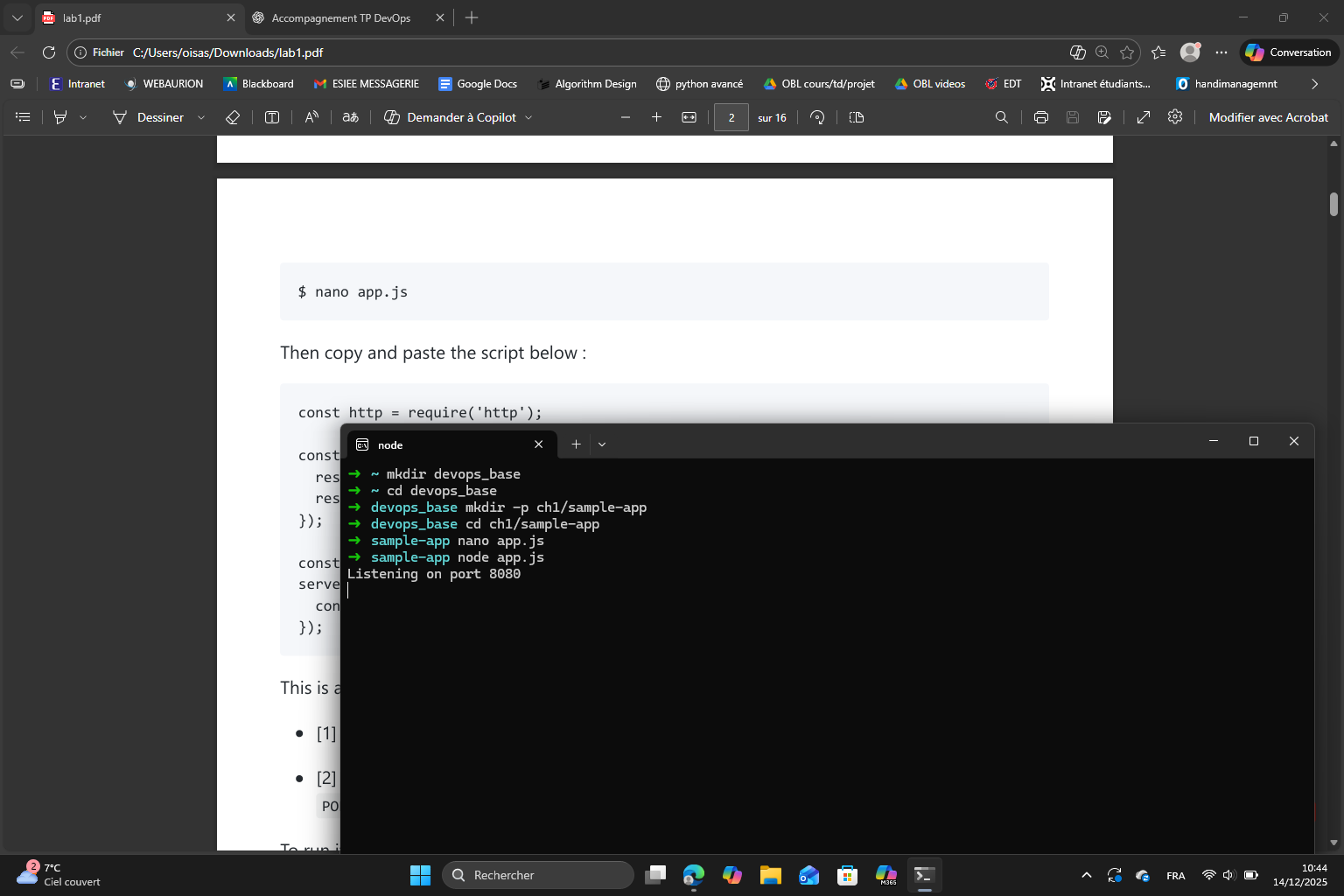
First, I created a main folder called devops_base to store the files of the lab. Then, I created the subfolders for chapter 1 and the sample application.
Once all the folders are created, I created a file called app.js that contains the Node.js application that simply displays “Hello, World!“.
What the application does is :
- creates an HTTP server
- sends a response with status code 200
- displays the text “Hello, World!”
- listens on port 8080
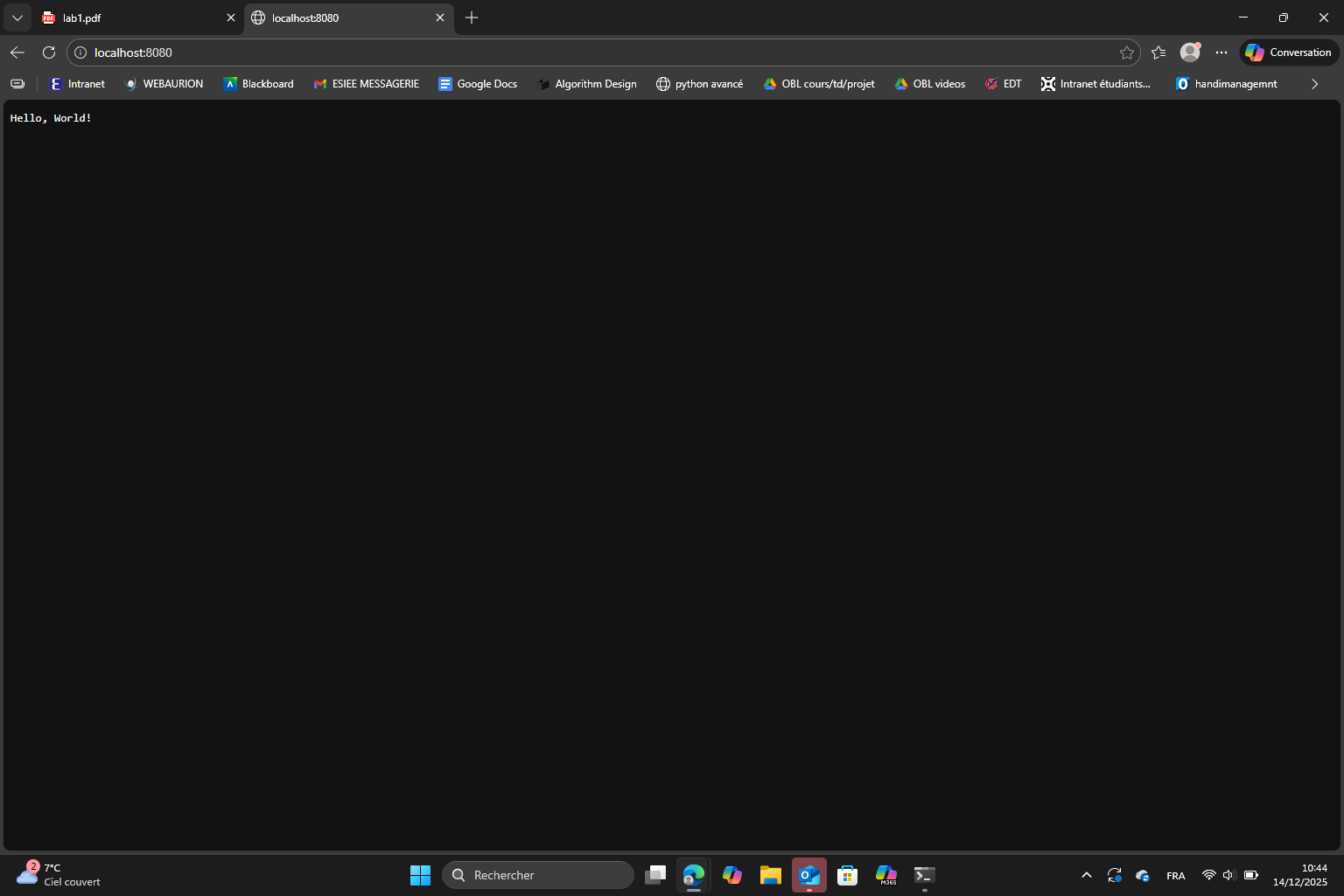
After that, I ran the command node app.js and got the message “Listening on port 8080”. This means that my server is running and ready to receive requests. Finally, I opened a web browser and went to http://localhost:8080. The page displays “Hello, World!” as expected which confirms that the app is working correctly.
Now that we’ve seen how to run an app locally we will see how to run an app on a server. I discovered two methods : deploying an app using PaaS and using IaaS.
The difference between IaaS and PaaS is that :
- IaaS gives us access to raw computing resources like the servers, storage etc.. but we manage most of the software ourselves.
- PaaS takes care of all the infrastructure, system and runtime. All we have to take care of is the application code itself.
Deploying an app using PaaS
The goal of this part is to learn how to deploy an app to a server accessible from the internet by using a Platform as a Service (PaaS).
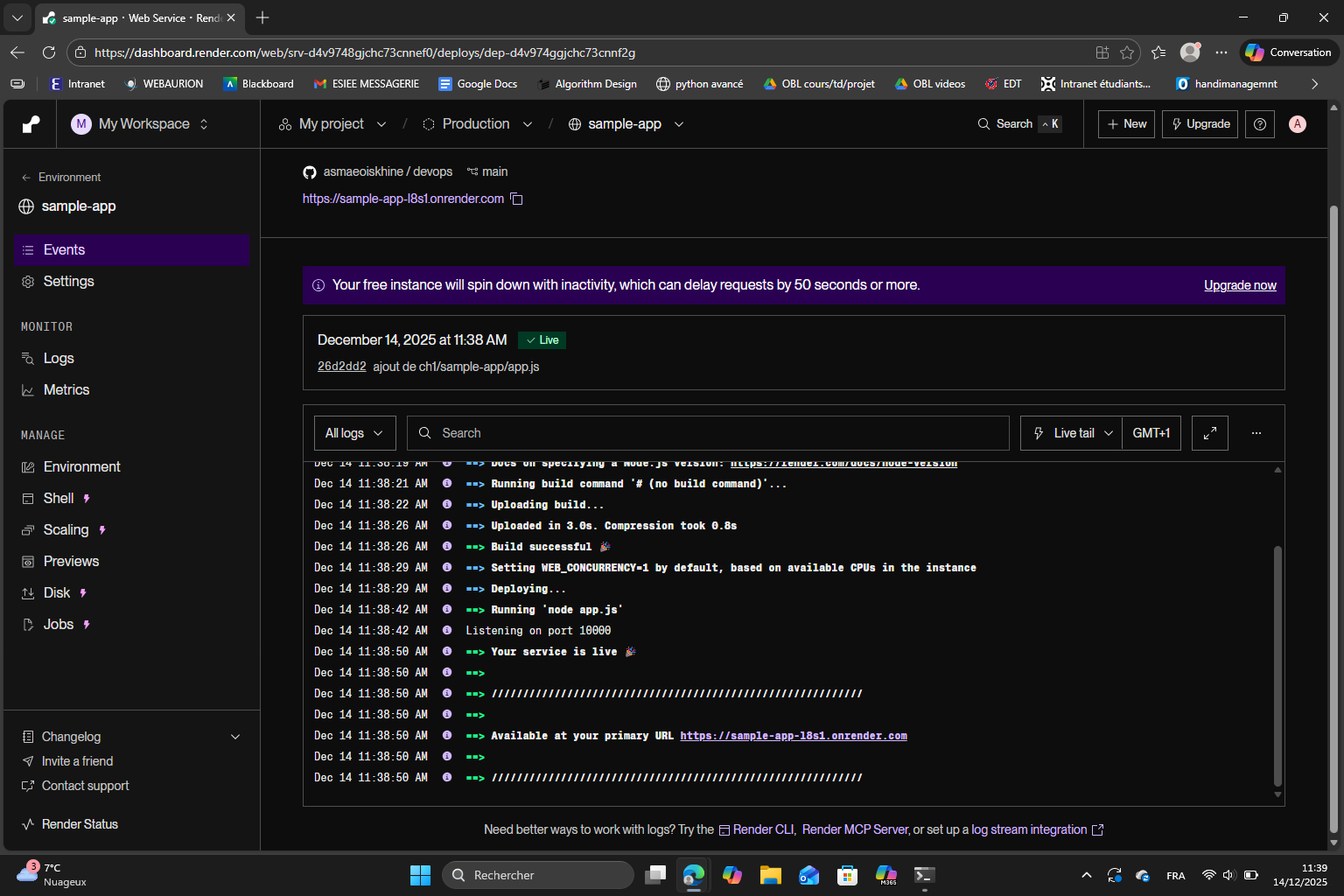
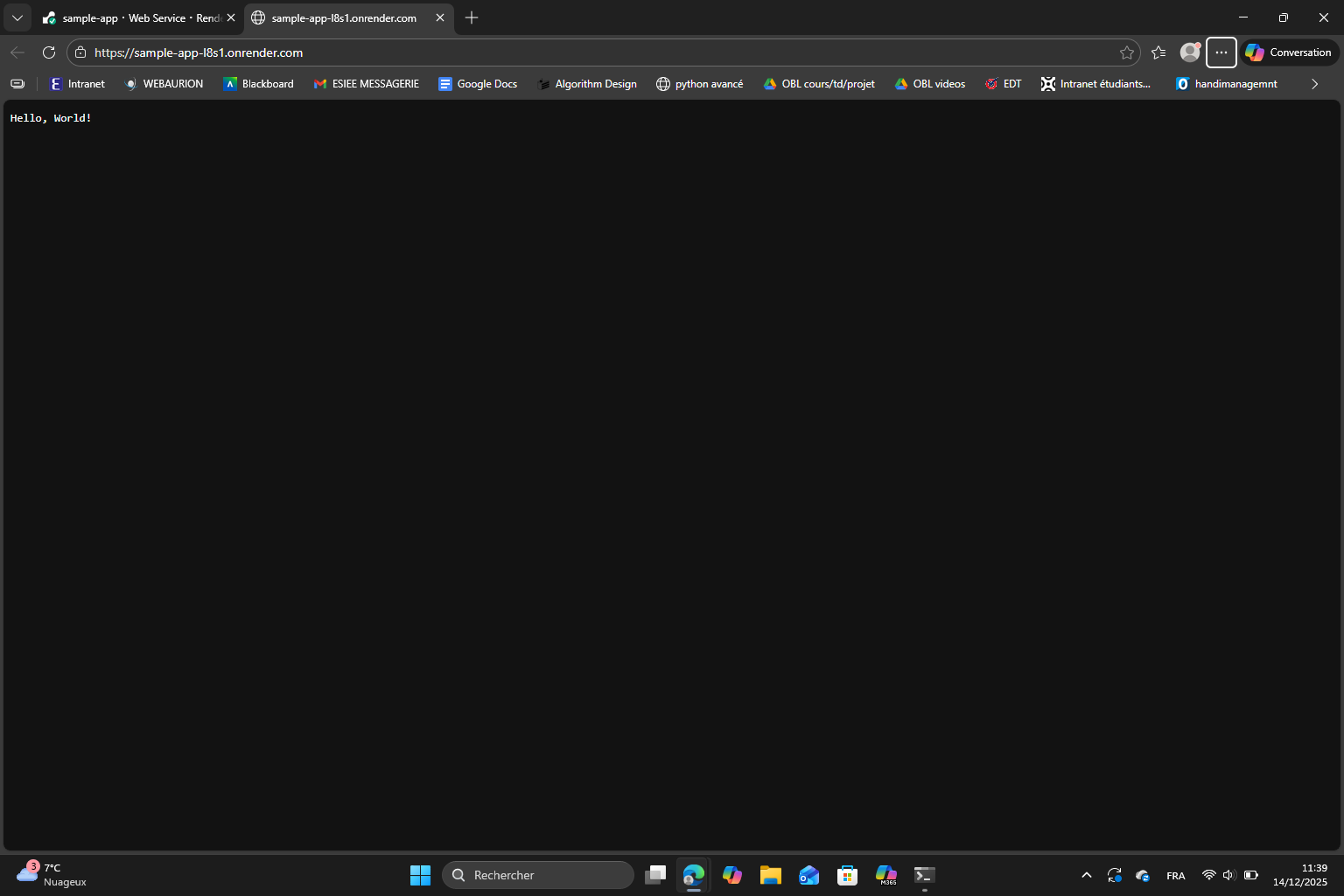
For this lab, I used Render as specified to deploy the app. I created an account, deployed a new web service and configured the web service. After a few minutes, Render shows a message “Your service is live” and provides a URL : the app displays “Hello, World!“.
Practice exercises :
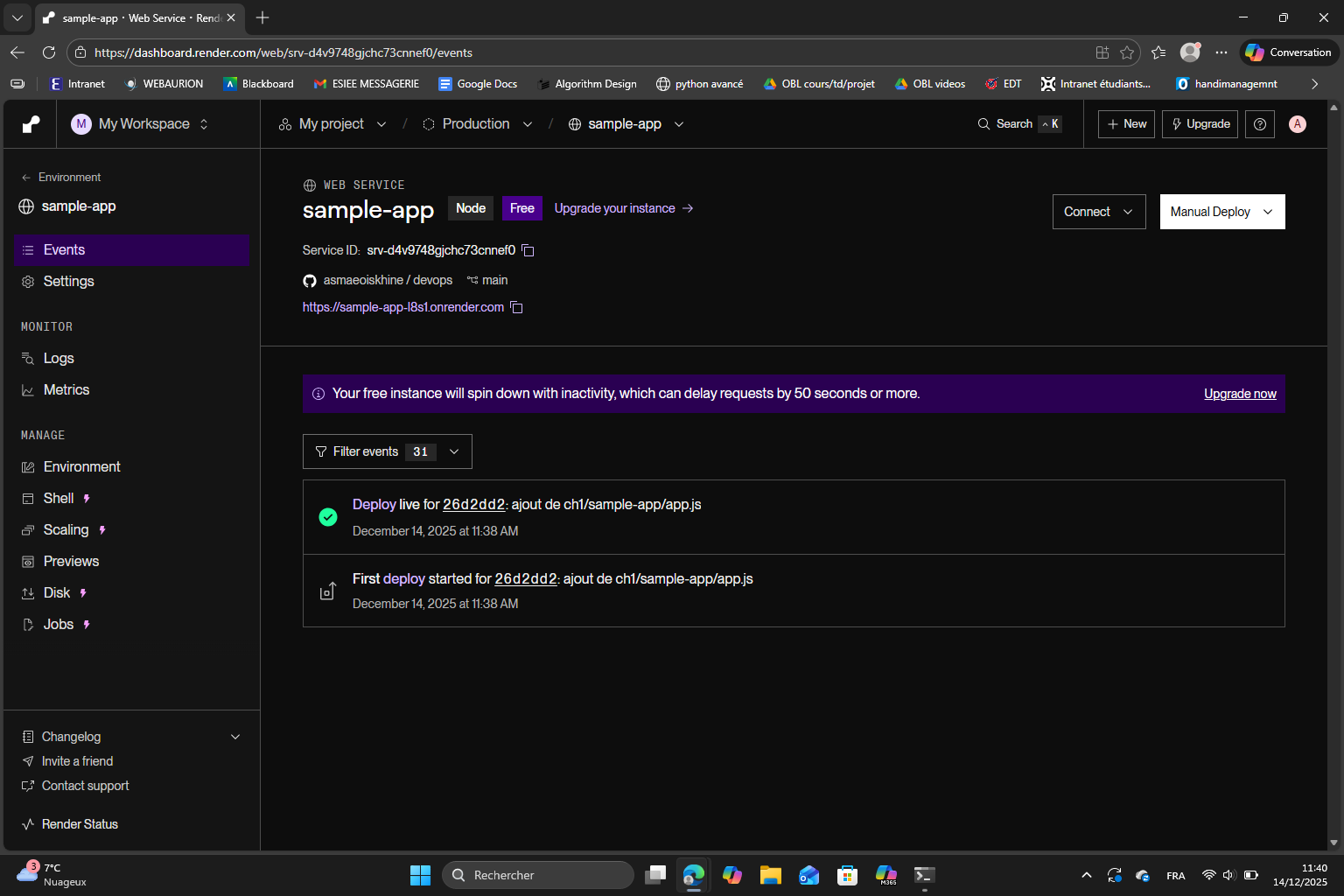
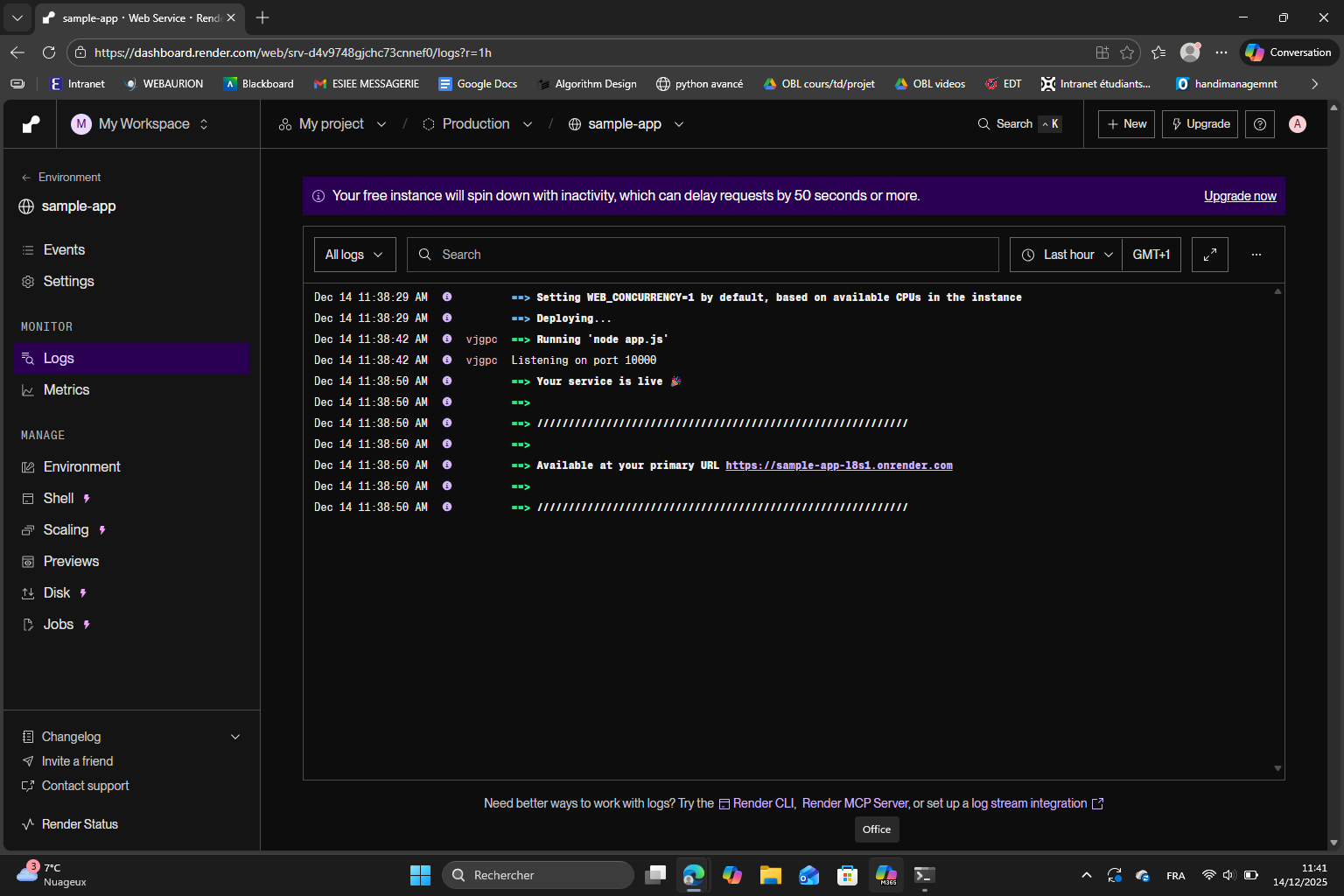
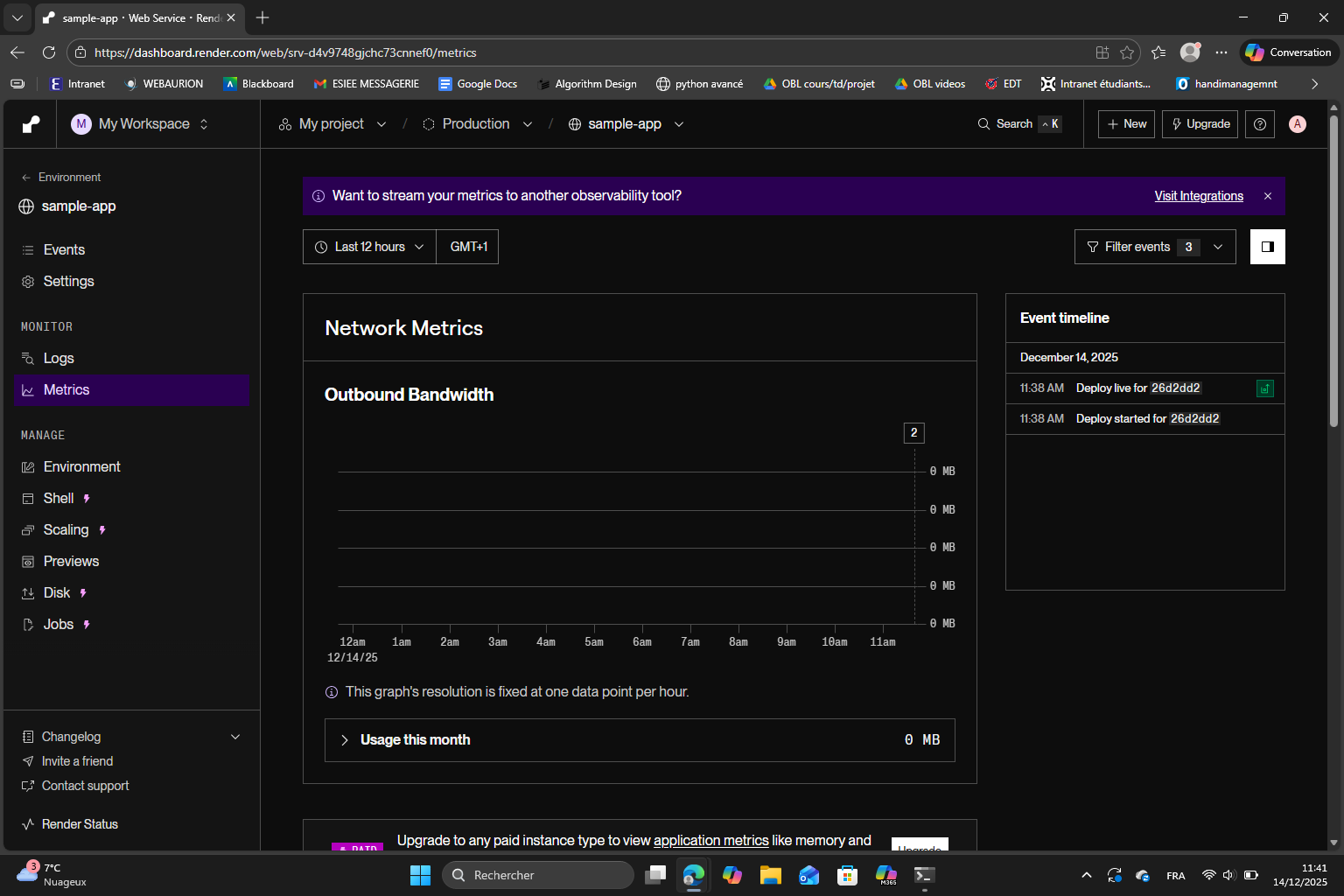
After I’m done, I deleted the web service from the settings to avoid wasting resources.
Deploying an app using IaaS
The goal of this part is to deploy the app on a server using Infrastructure as a Service (IaaS).
For this lab, we used AWS as an IaaS provider. I signed up for AWS and created an IAM user with the Administrator Access policy. Then I saved the sign-in URL, username and password securely and followed all the steps to launch an EC2 instance and configure it.
Then, I added the user data script provided in the lab, clicked “Launch instance” and waited until the instance state was “Running”. I searched for the public IP address of the instance and opened http://<IP>. The app shows “Hello, World!“.
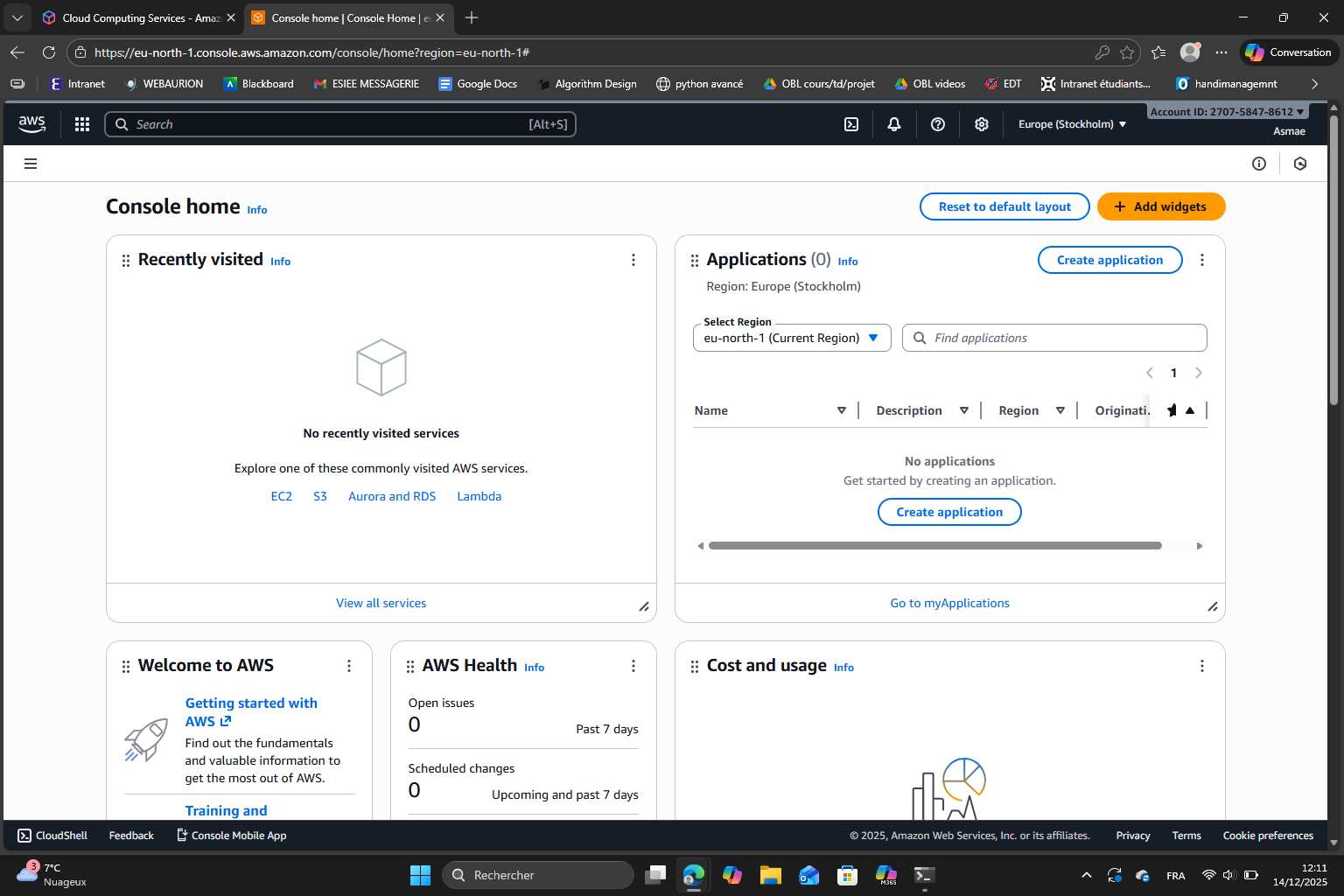
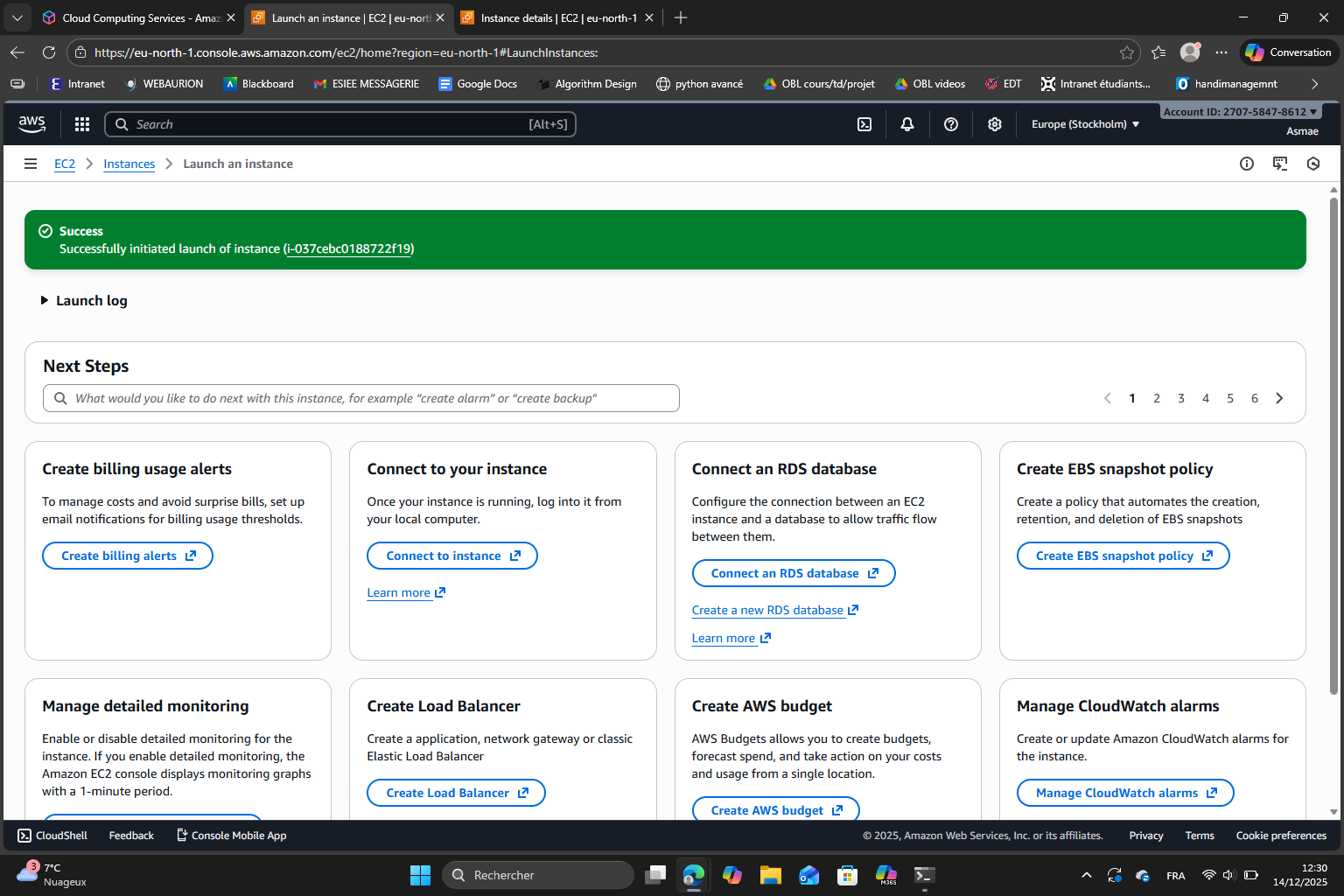
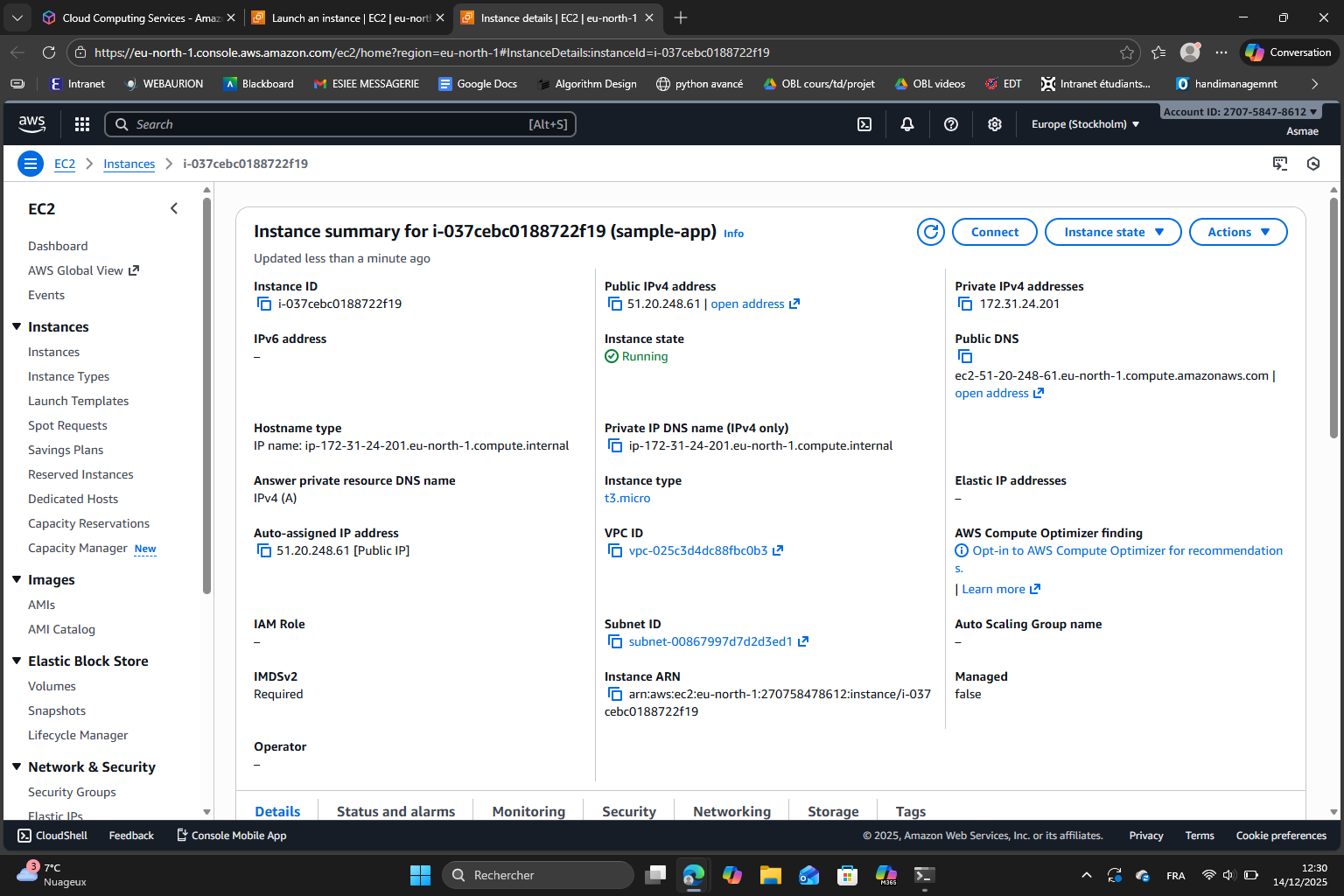
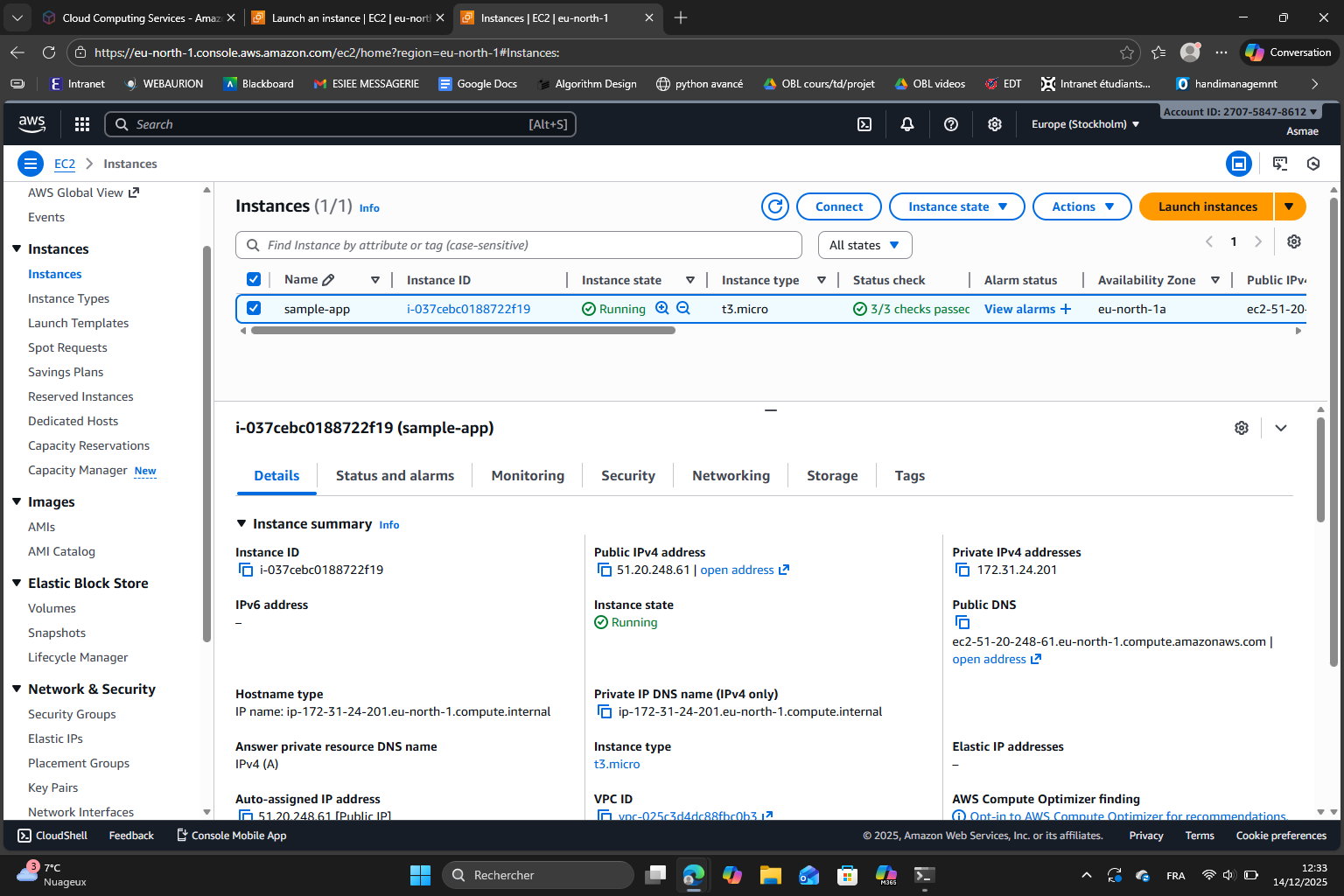
(I forgot to take a screenshot for the result)
Finally, I terminated the EC2 instance.
Conclusion
During this lab, I learned how to run a Node.js app locally and how to deploy it on a server using both PaaS and IaaS. I understood the main differences between :
- a local deployment : it only works on my computer
- a PaaS deployment : it is easy as the platform manages most tasks for me, all I have to do is bring my code
- a IaaS deployment : it allows more control over the server than PaaS
This lab helped me understand the basic concepts of application deployment and the “trade-offs” between the ease of use and the control we want to have.