Lab 5 : Continuous Integration (CI) and Continuous Delivery (CD) with Kubernetes
Objective: The objective of this lab is to design and implement a complete automated CI/CD pipeline using GitHub Actions to demonstrate integration with AWS using OpenID Connect and automating deployments with OpenTofu. This lab also introduces the different deployment strategies and the GitOps approach using Flux.
Part 1 : Continuous Integration (CI)
My general understanding of CI : Continuous integration is a development practice where developers often merge their code into a shared main branch. Each time code is merged, an automated system runs builds and tests to check that everything still works correctly. This helps detect problems early and reduce merge conflicts and also ensures that the application stays stable.
The objective of this first part of the lab is to configure a GitHub Actions workflow to automatically run tests of the Node.js application after each push. I started by navigating to my main project directory and setting up the folder structure for this lab. I switched to main branch, pulled the latest changes and created a new td5 directory. I then copied the sample-app from the previous lab into the td5/scripts directory to use as the application.
Once this was done, I also created the .github/workflows directory at the root of the repo, since that is where GitHub Actions looks for workflow definitions.
I created my first GitHub Actions worklow file at .github/workflows/app-tests.yml. This workflow is designed to run automatically on every push. It sets up a Ubuntu runner, installs the Node.js dependecies and then runs the Jest test suite.
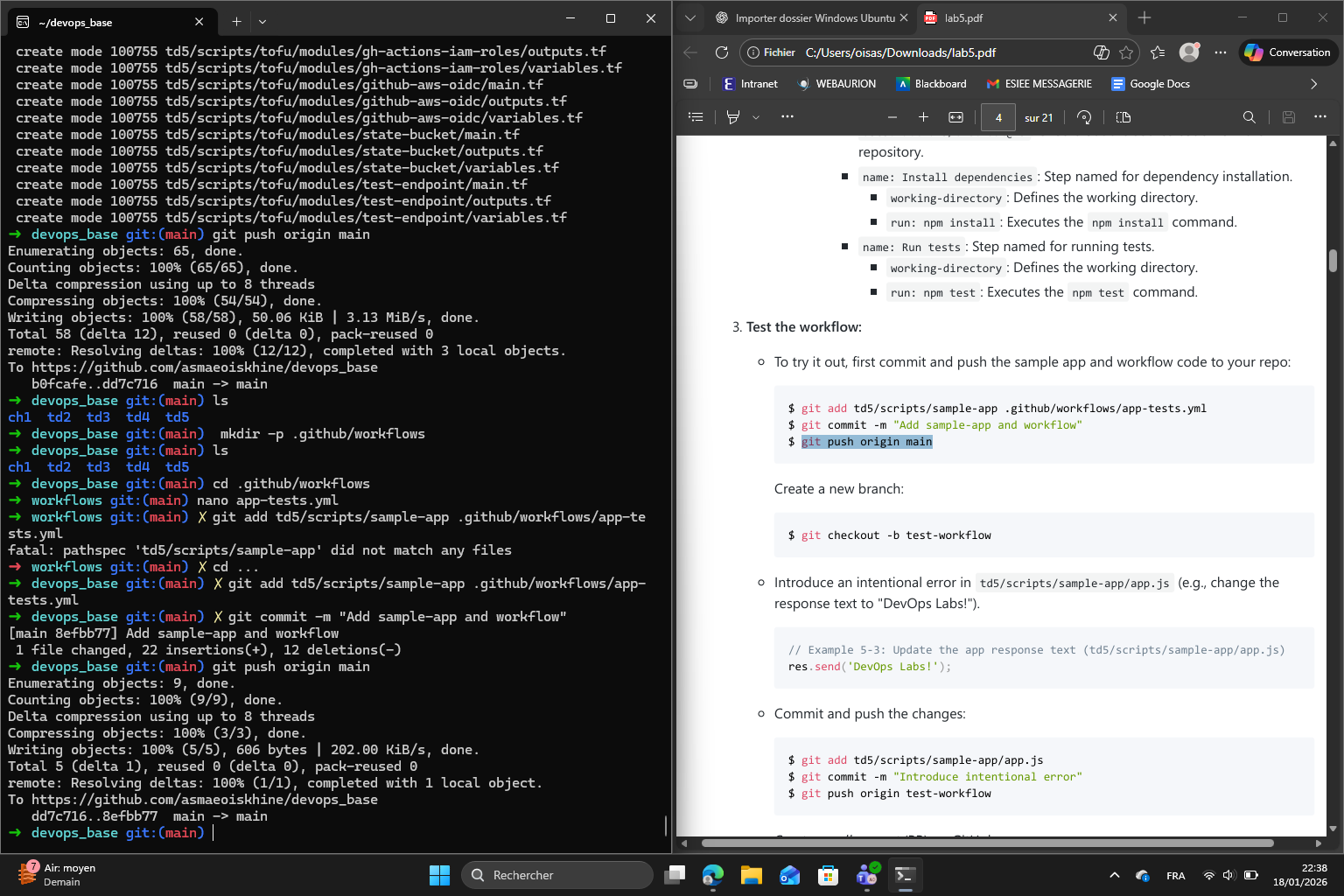
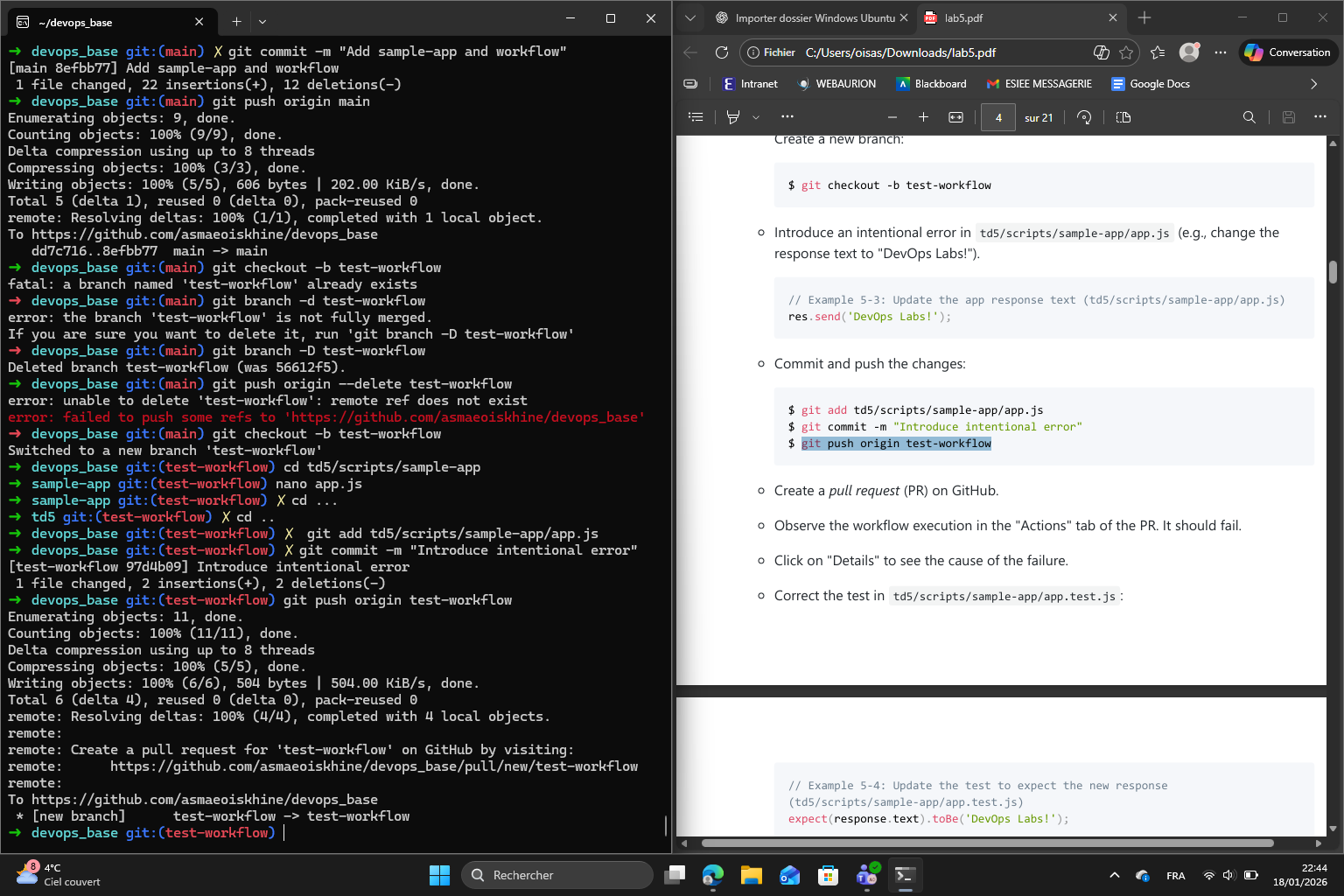
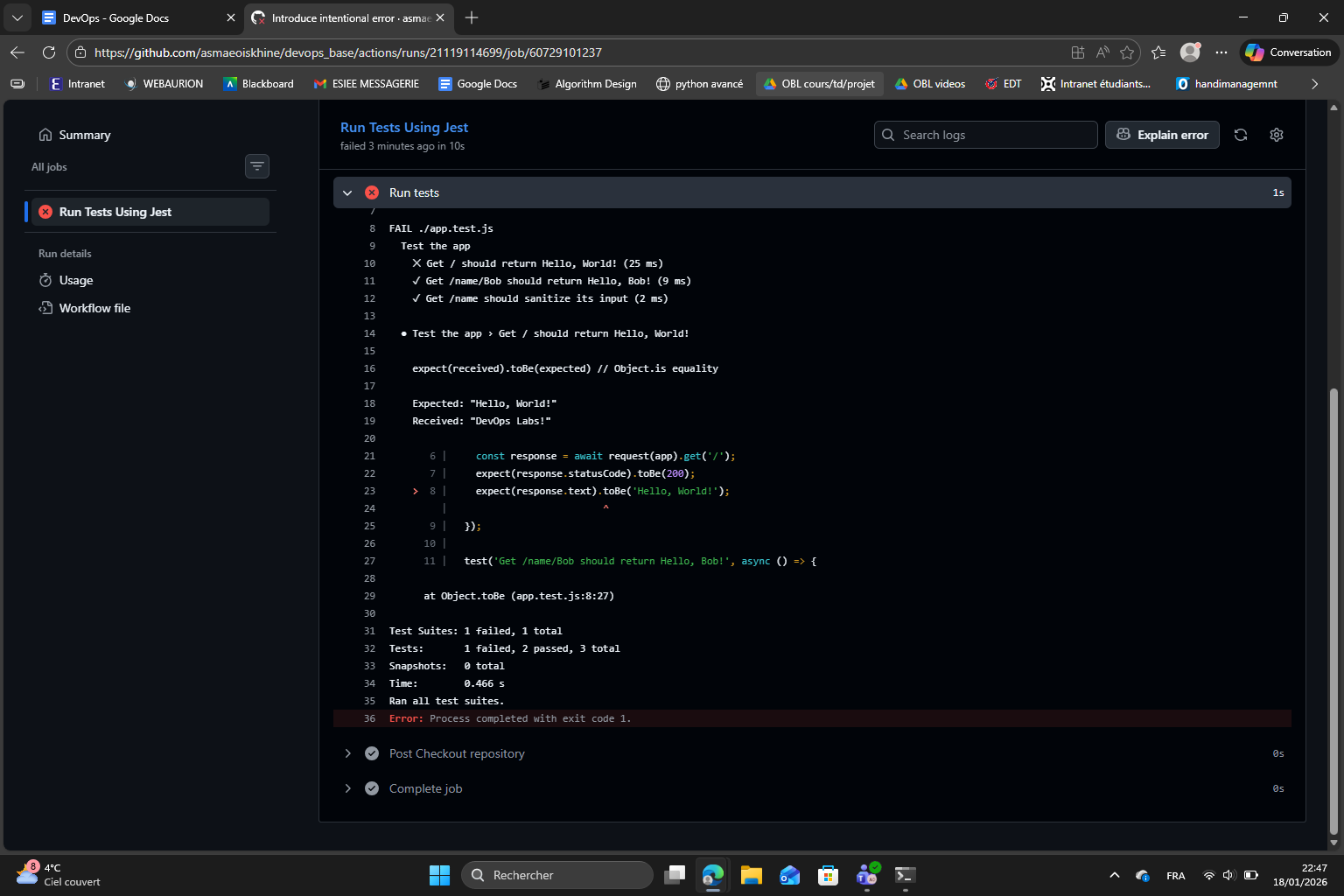
To verify that the CI correctly finds falures, I pushed the initial code to main and then created a new branch called test-workflow. On this branch, I deliberately introduced a bug : i changed the response text in app.js from “Hello World!” to “DevOps Labs!” without updating the corresponding test in app.test.js. I pushed this bra,ch and opened a pull request on GitHub. In the Actions tab of the pull request, I observed the workflow execute and fail exactly as we excpected. The failure message in the logs clearly showed that the test was expecting the old response but receive the updated one.
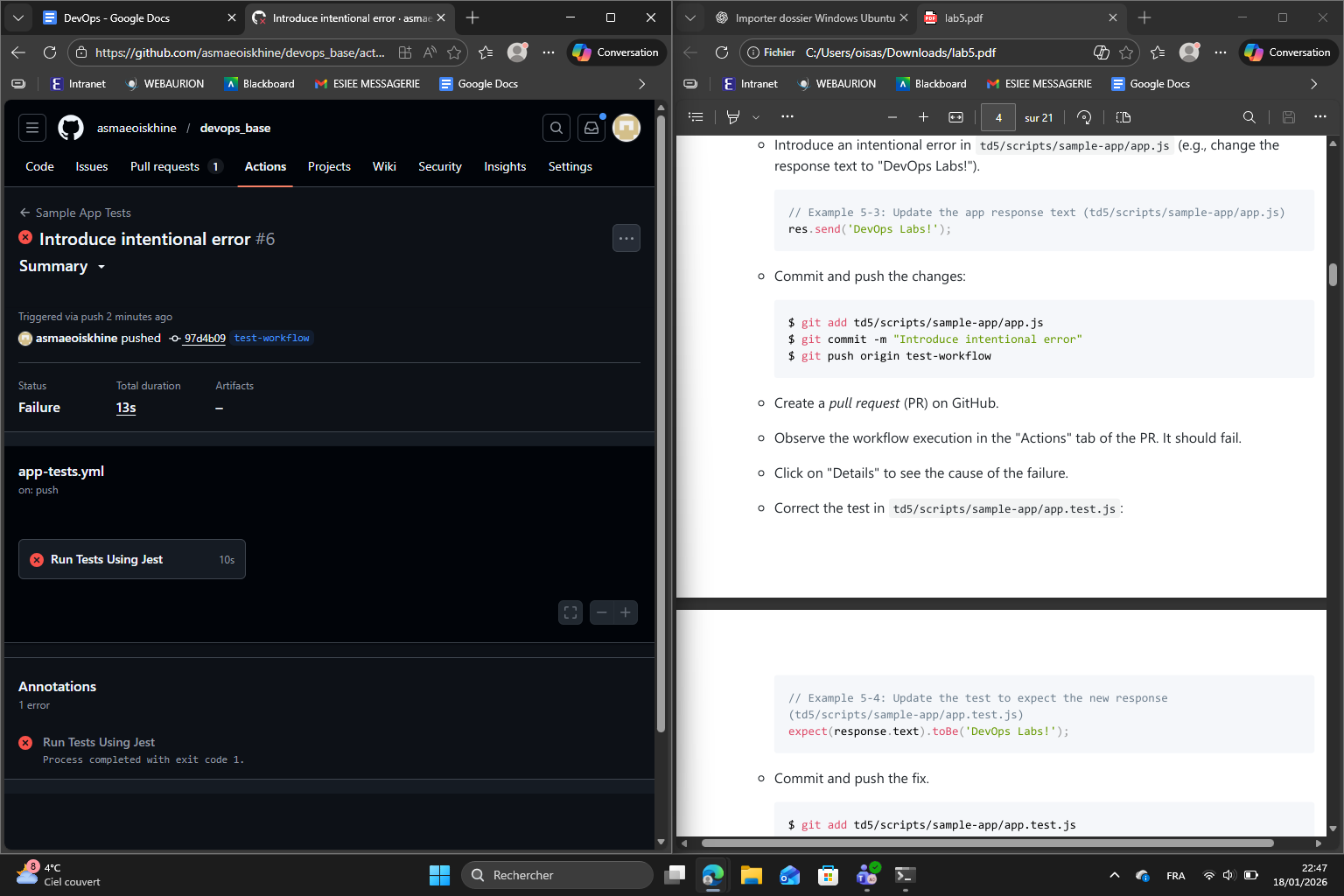
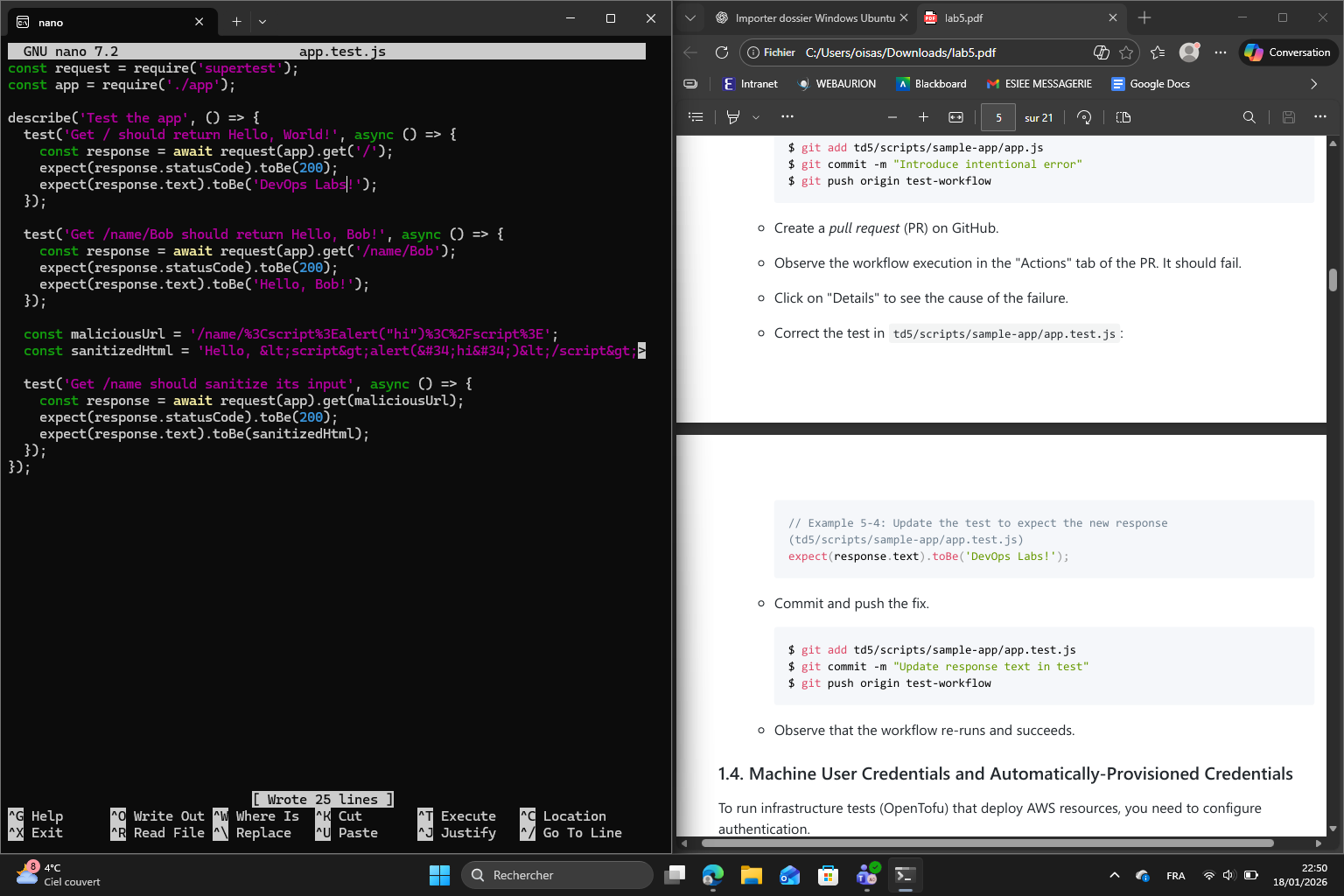
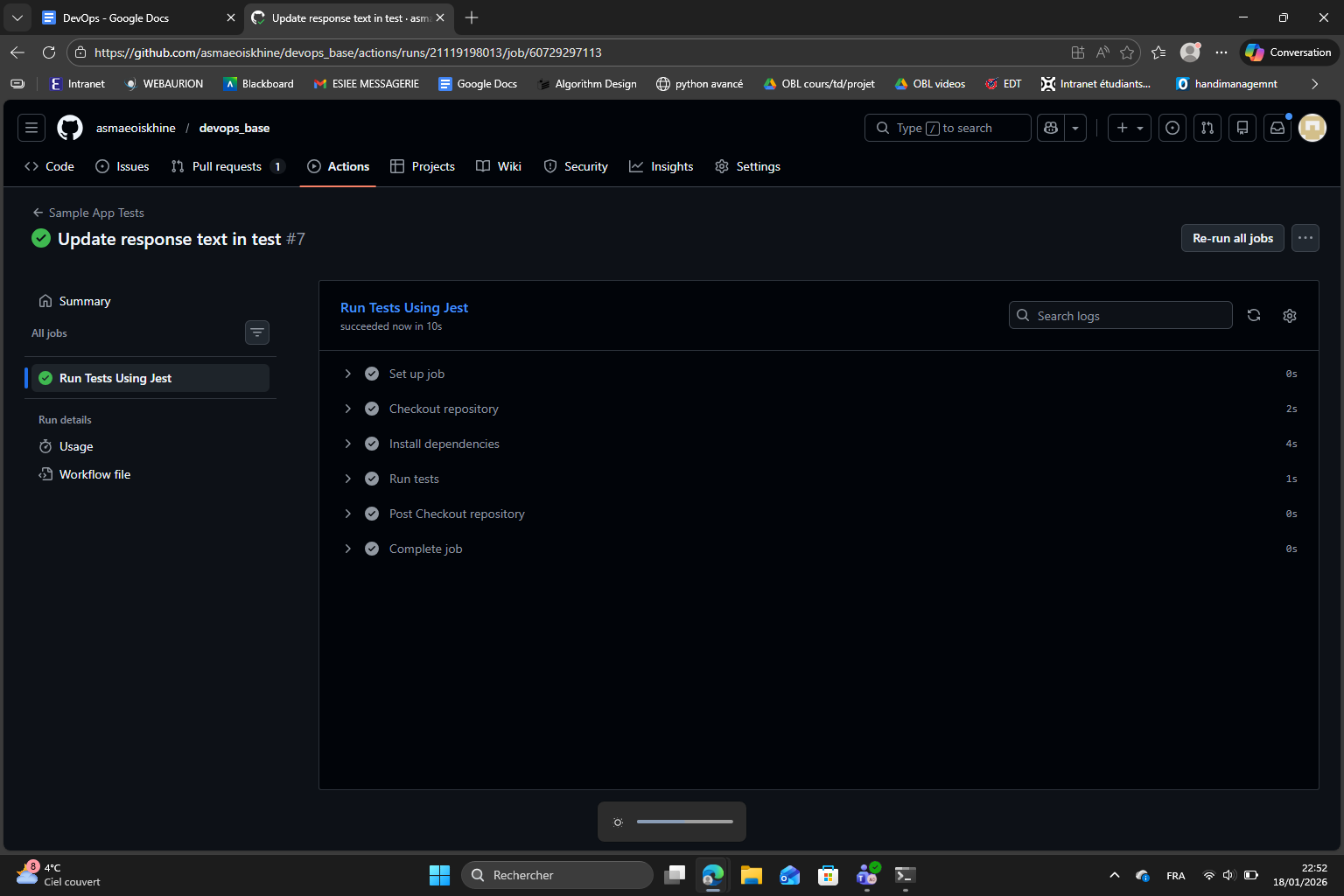
I then fixed the test file to match with the new response text commirtted and pushed again. The workflow re-ran automatically and this time succeded, which confirms that the piepline correctly validates the code before it can be merged.
1.5 Example : Configure OIDC with AWS and GitHub Actions
For infrastructure tests that deploy AWS resources, I needed to set up secure authentification between GitHub Actions and AWS. The lab mentionned an important principle : never usse a real user’s credentials for automation. So instead, we used OpenID Connect (OIDC) which allows GitHub Actions to obtain credentials with a shorter life : I created all the necessary files and completed all the steps and here is the result :
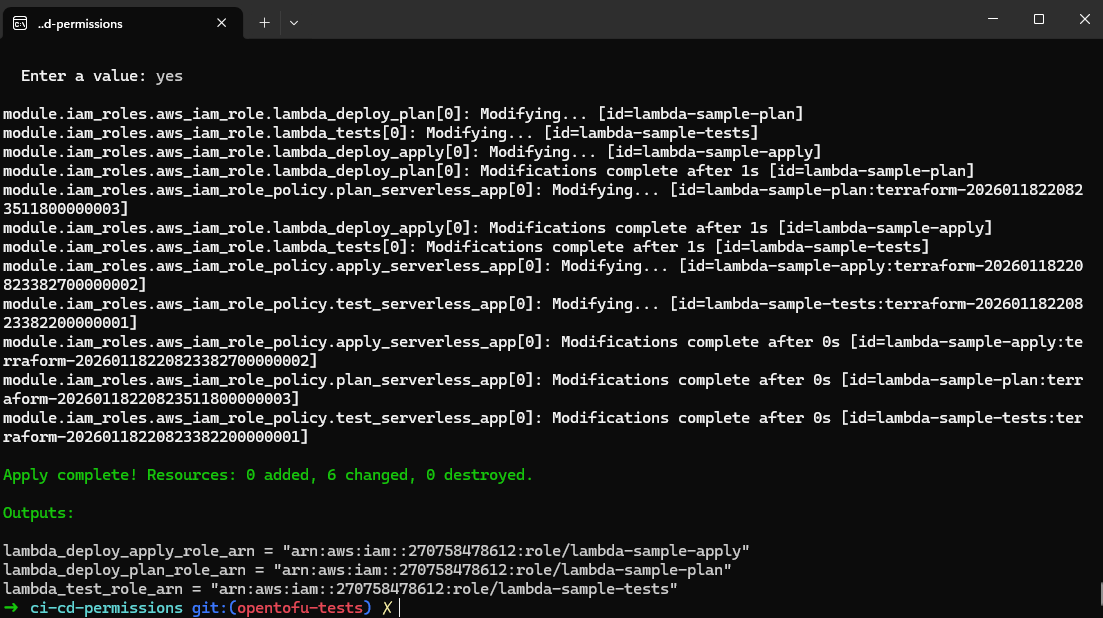
lambda_deploy_apply_role_arn = "arn:aws:iam::270758478612:role/lambda-sample-apply"
lambda_deploy_plan_role_arn  = "arn:aws:iam::270758478612:role/lambda-sample-plan"
lambda_test_role_arn         = "arn:aws:iam::270758478612:role/lambda-sample-tests"
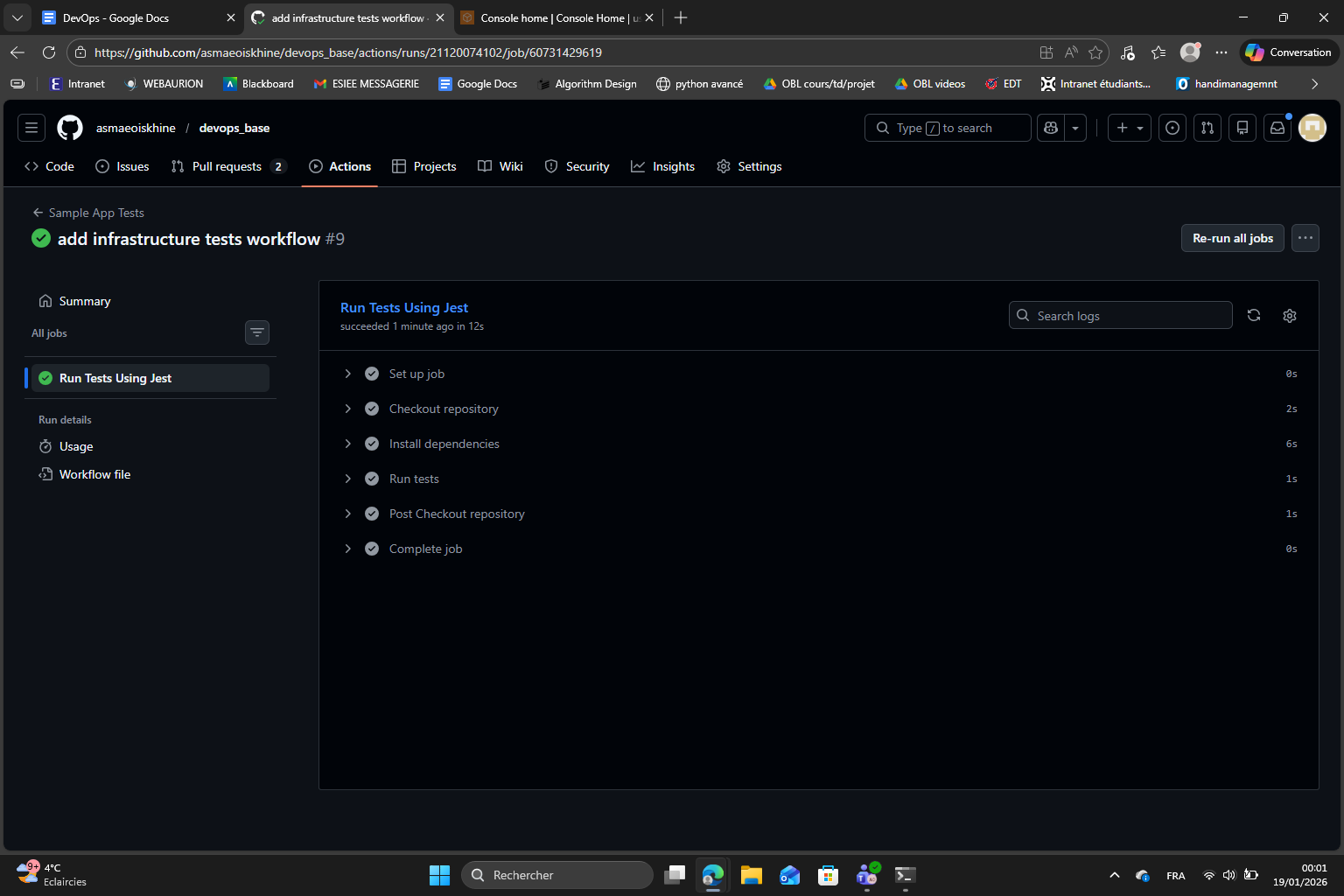
After that, I pushed to the opentofu-tests branch and created a pull request. I monitored the Actions tab and confirmed the workflow executed successfully :
Part 2 : Continuous Delivery (CD)
My general understanding of CD : Continuous delivery is about making sure that code is always ready to be deployed to production in a safe and reliable way. It is based on the automation of builds, tests and deployments.
First I make sure the module is correctly configured with my GitHub repository name, the S3 bucket and DynamoDB table names I’ll be creating in the next step, and the base name for the IAM roles. Then I run tofu init and tofu apply to create the OIDC provider in AWS and the three IAM roles for testing planning and applying.
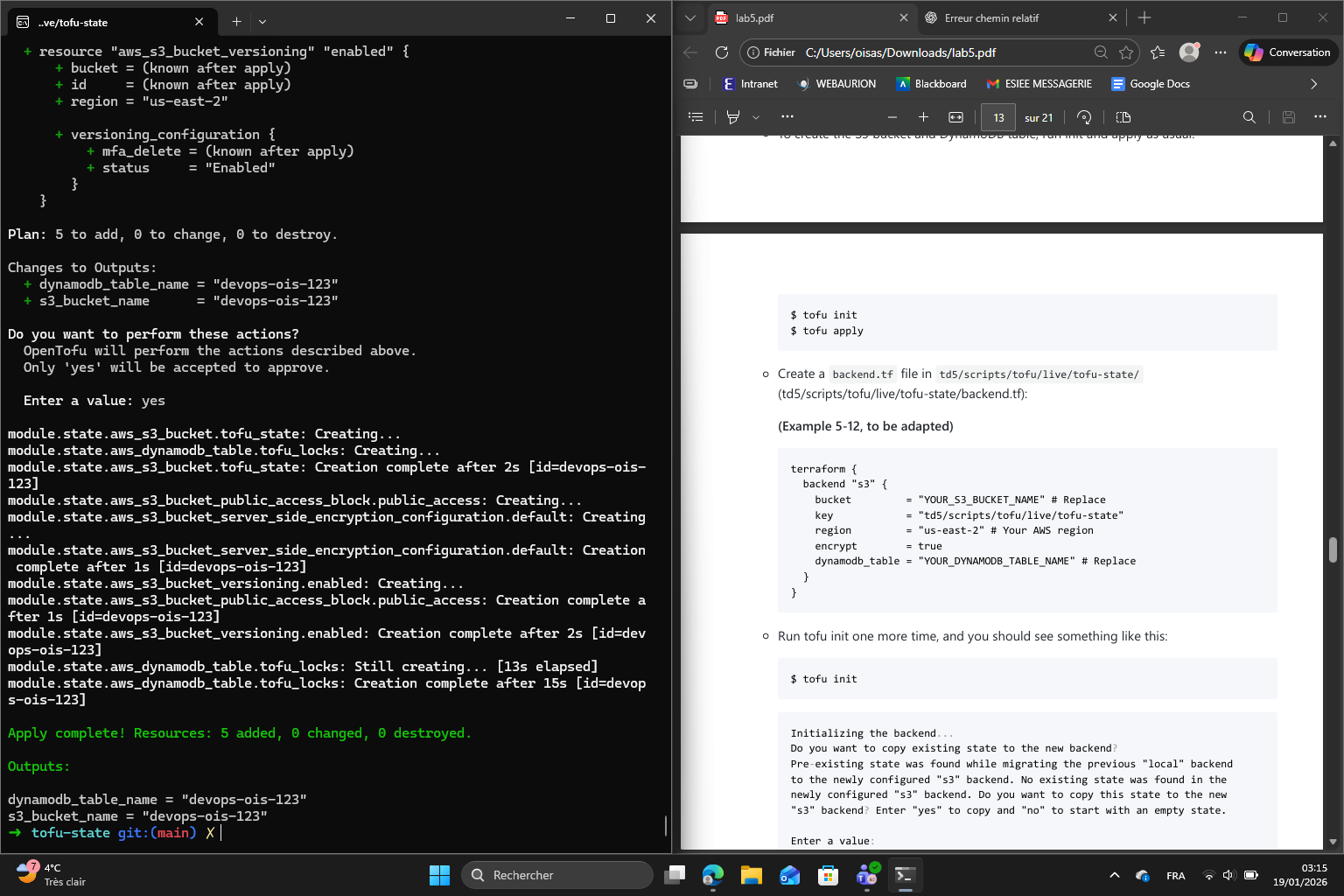
Once the apply completes, I note down the output ARNs for all three roles, as I’ll need them later for the GitHub Actions workflows :
dynamodb_table_name = "devops-ois-123"
s3_bucket_name      = "devops-ois-123"
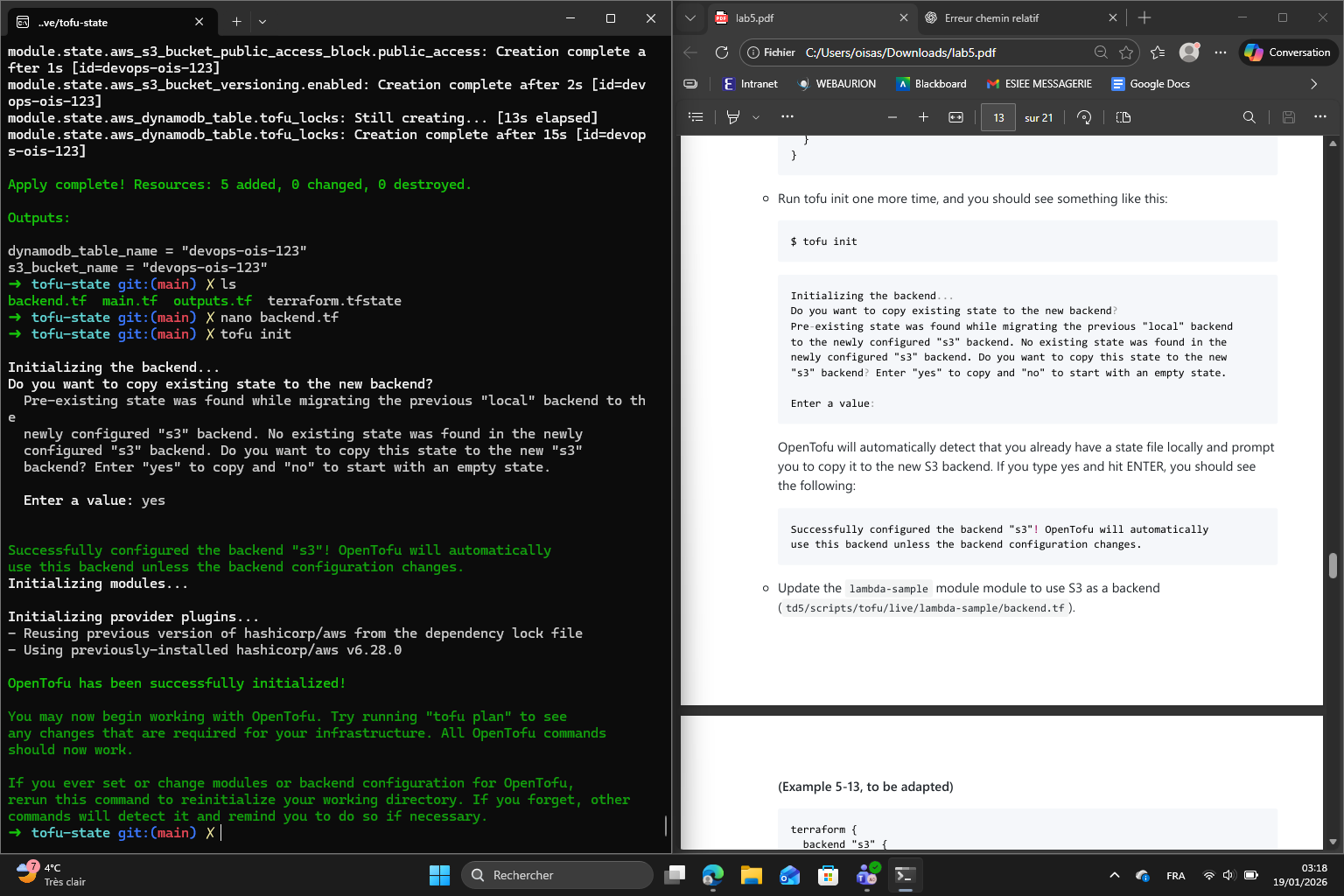
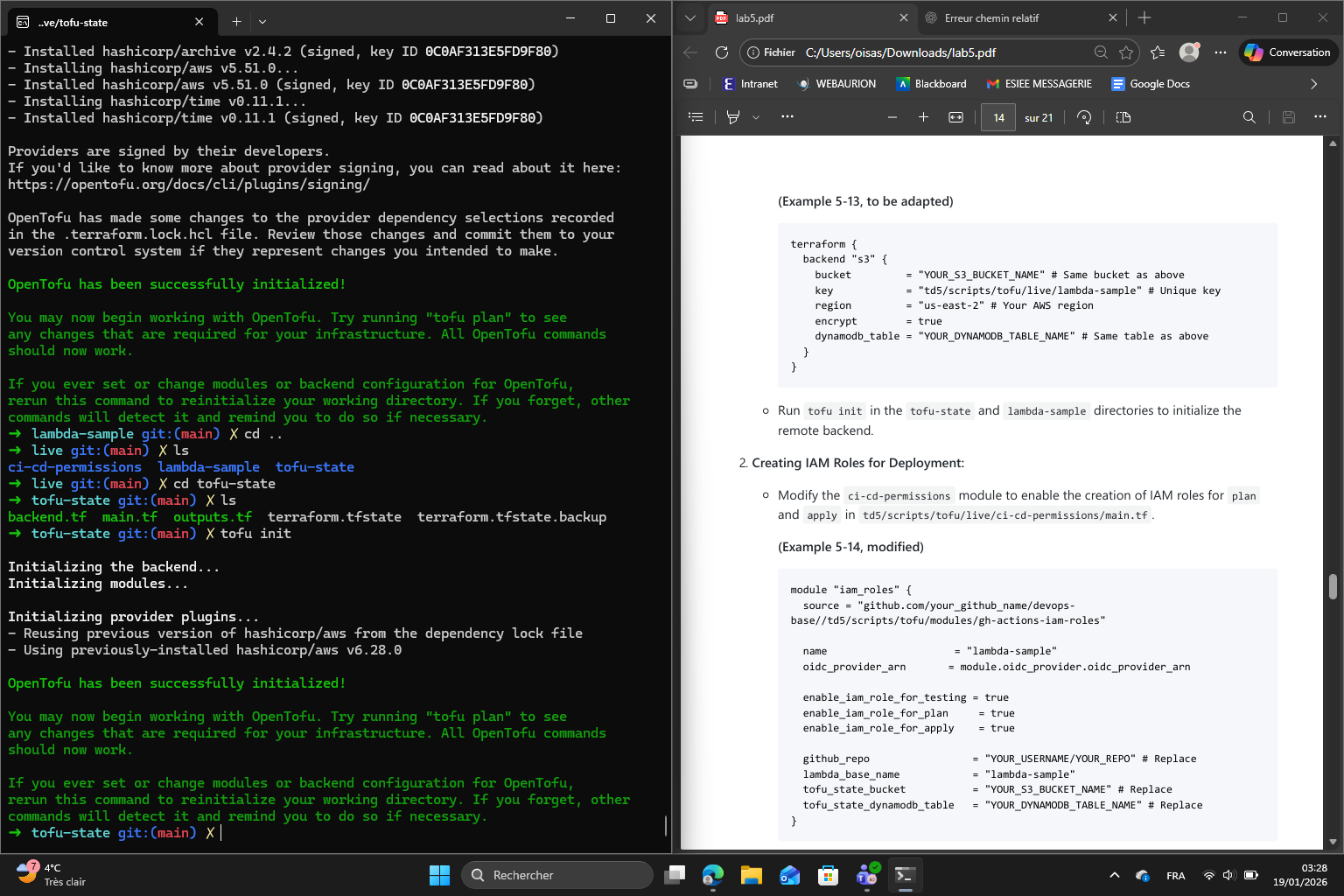
Now that the S3 bucket and DynamoDB table exist, I add a backend.tf file to the tofu-state module pointing to the new remote backend. Then I run tofu init again :
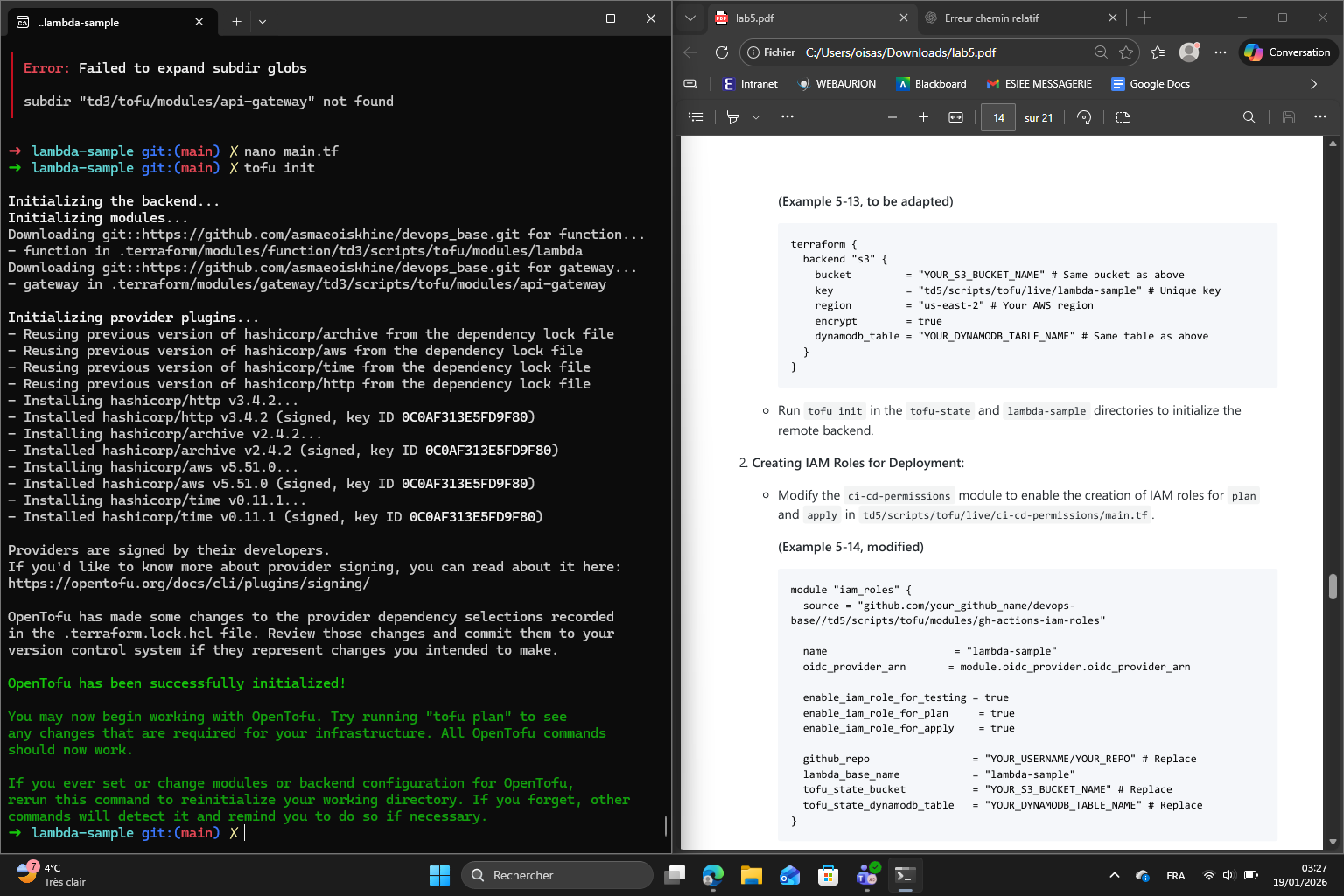
With the remote backend ready, I add a backend.tf to the lambda-sample module as well, using the same S3 bucket but a different state key so that its state is stored separately from the tofu-state module. I run tofu init again :
I create a new root module at td5/scripts/tofu/live/tofu-state/ and configure it using the provided state-bucket module, giving it a unique bucket name. I run tofu init to initialize the local backend then tofu apply to create the S3 bucket :
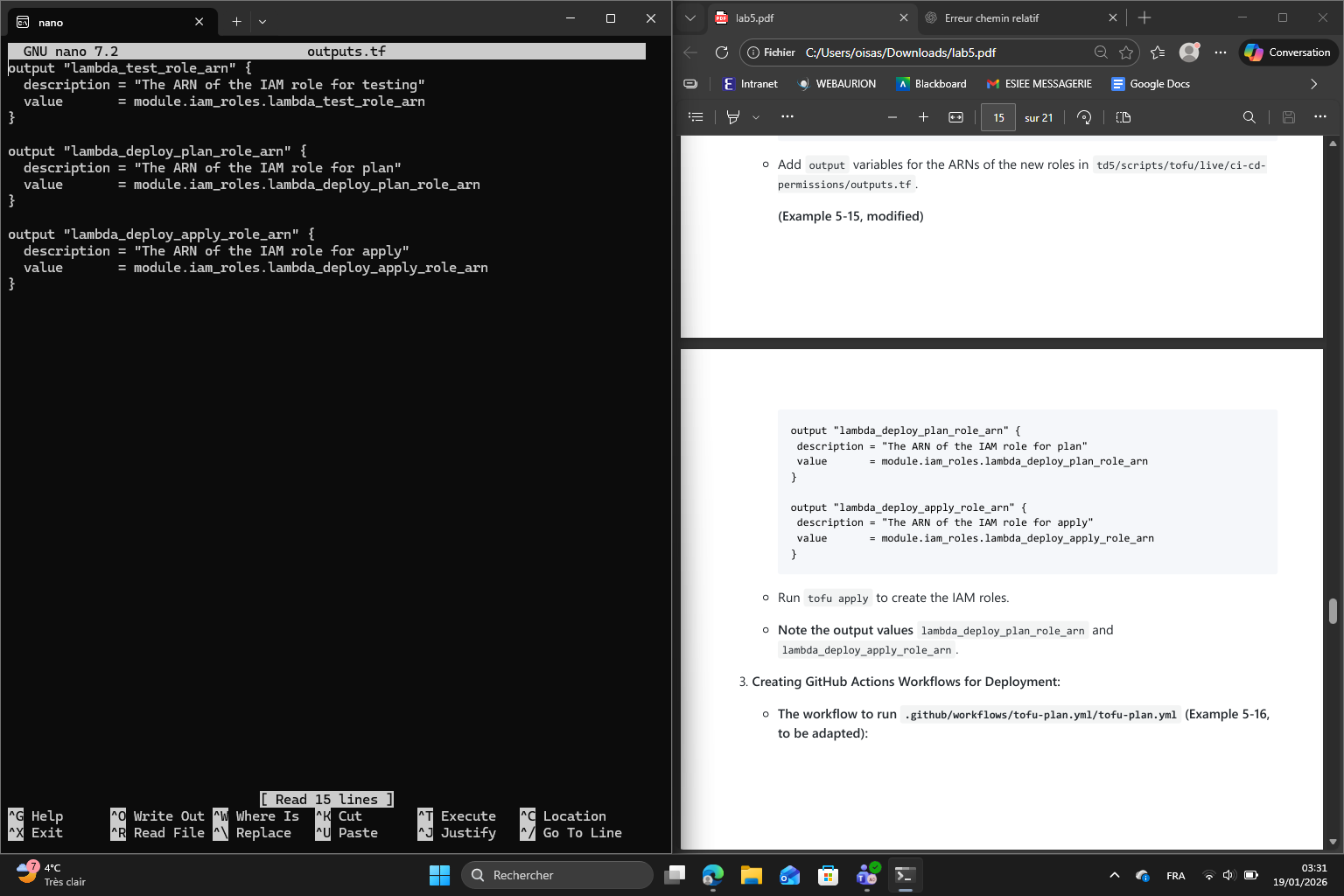
Then I add output variables for the ARNs of the new roles in permissions/outputs.tf :
I run tofu apply and note the output values :
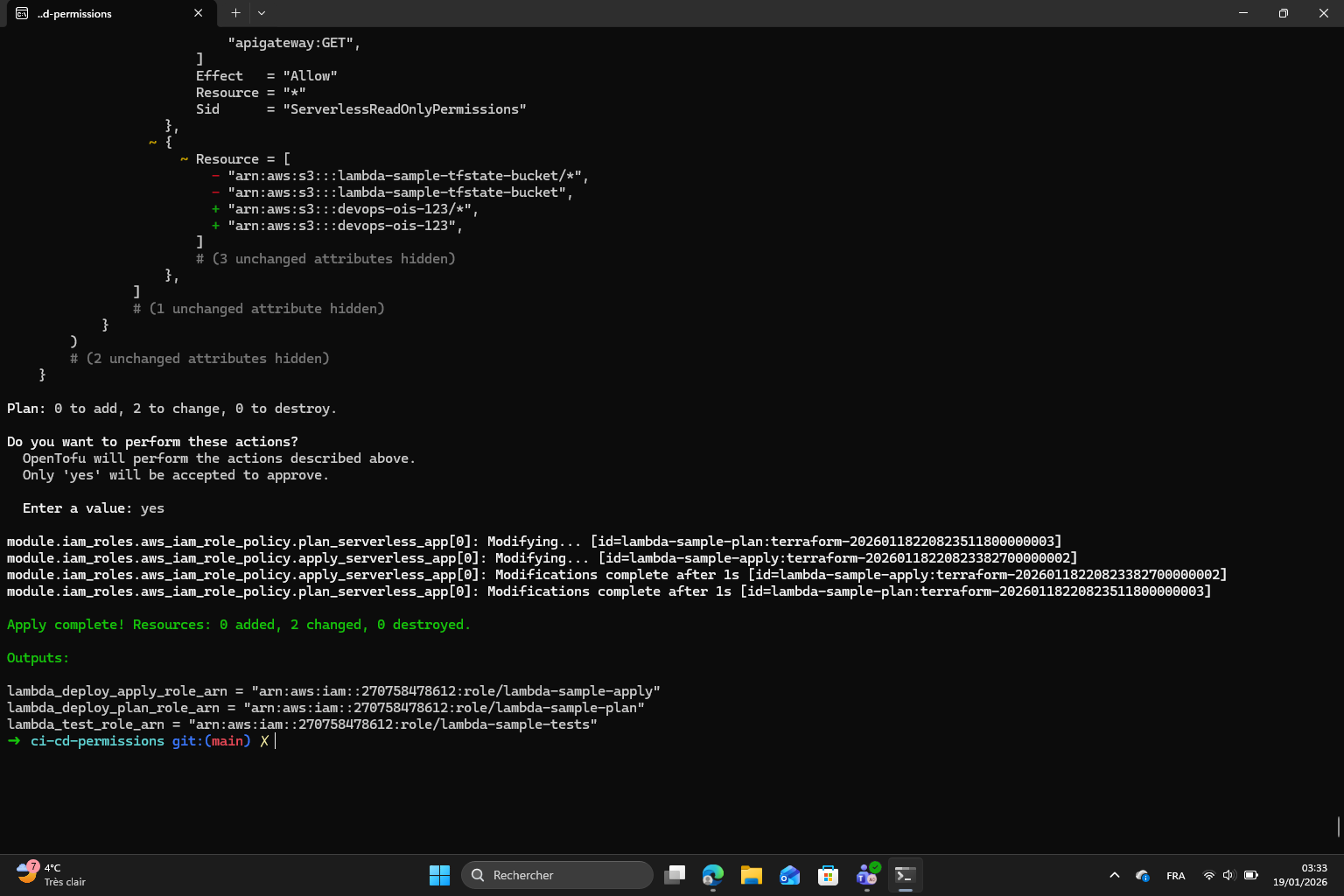
Output values :
lambda_deploy_apply_role_arn = "arn:aws:iam::270758478612:role/lambda-sample-apply"
lambda_deploy_plan_role_arn  = "arn:aws:iam::270758478612:role/lambda-sample-plan"
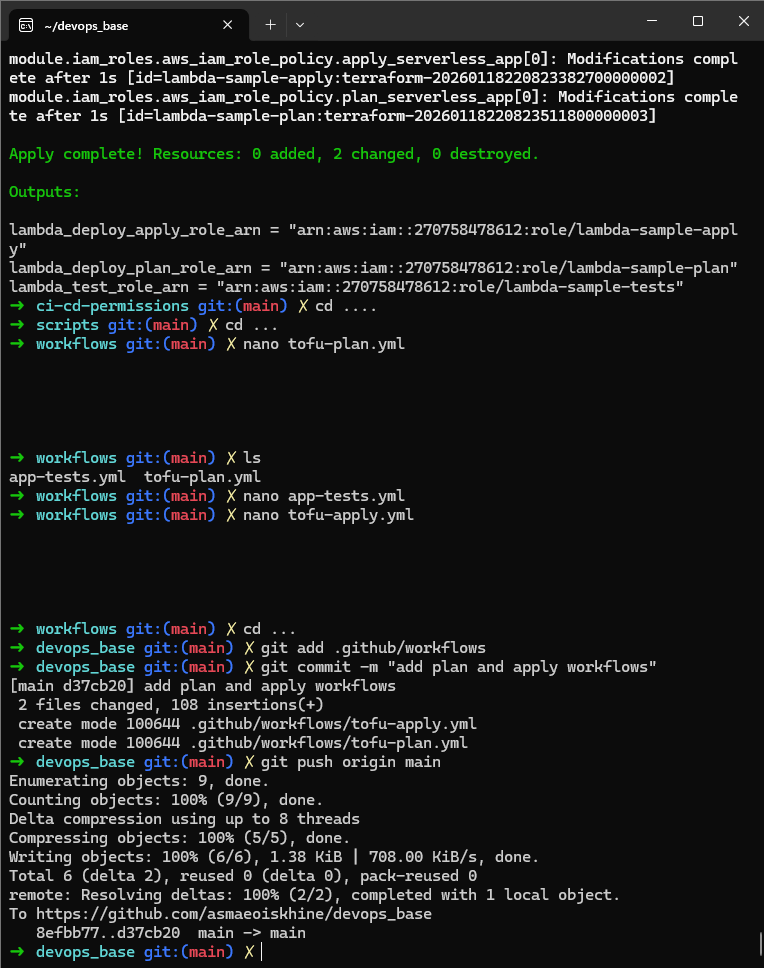
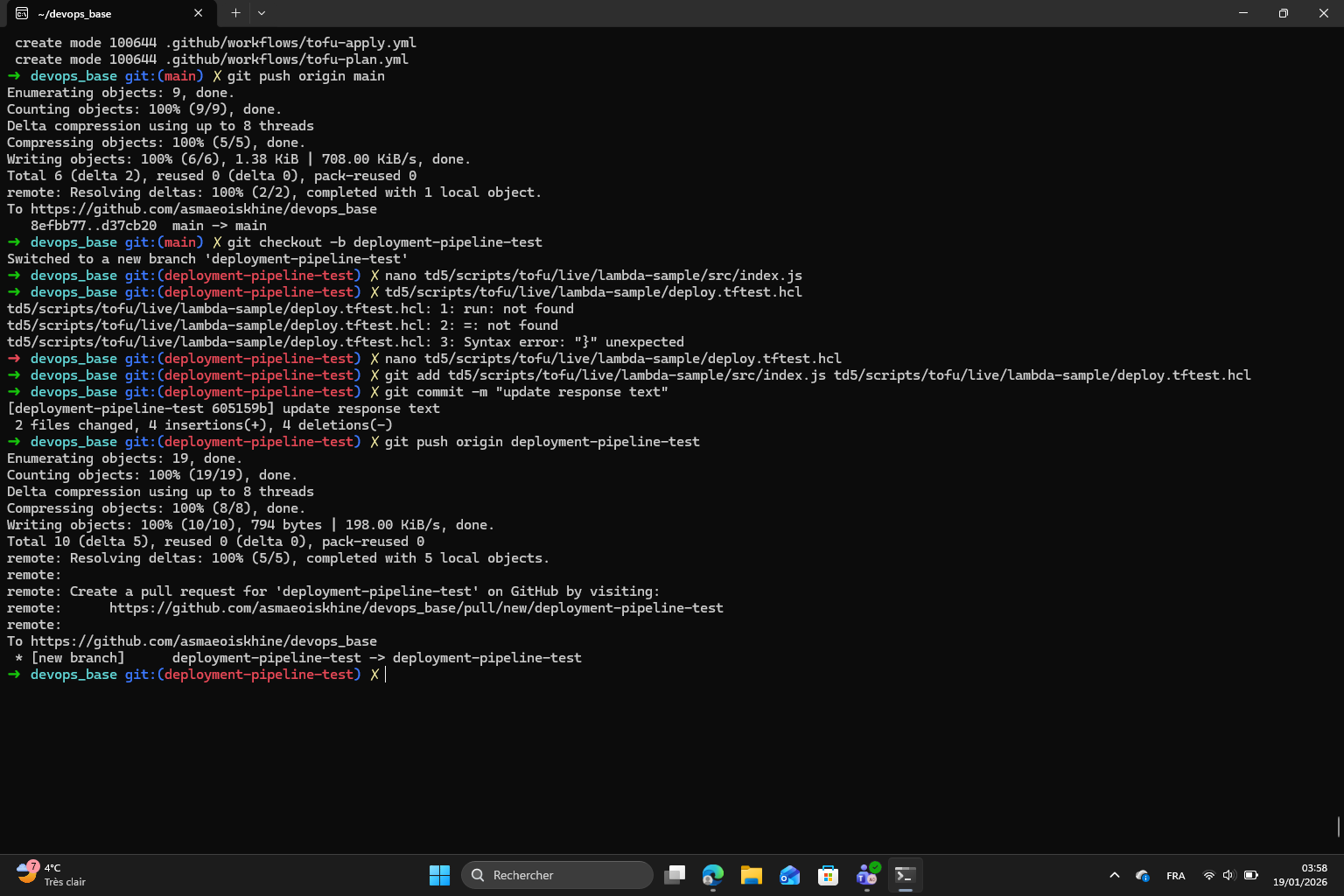
Finally I created two workflow files : tofu-plan.yml which triggers on pull requests and posts the planned infrastructure changes and PR comment and tofu-apply.yml which triggers on merges to main and automatically applies the changes and posting the result as a comment :
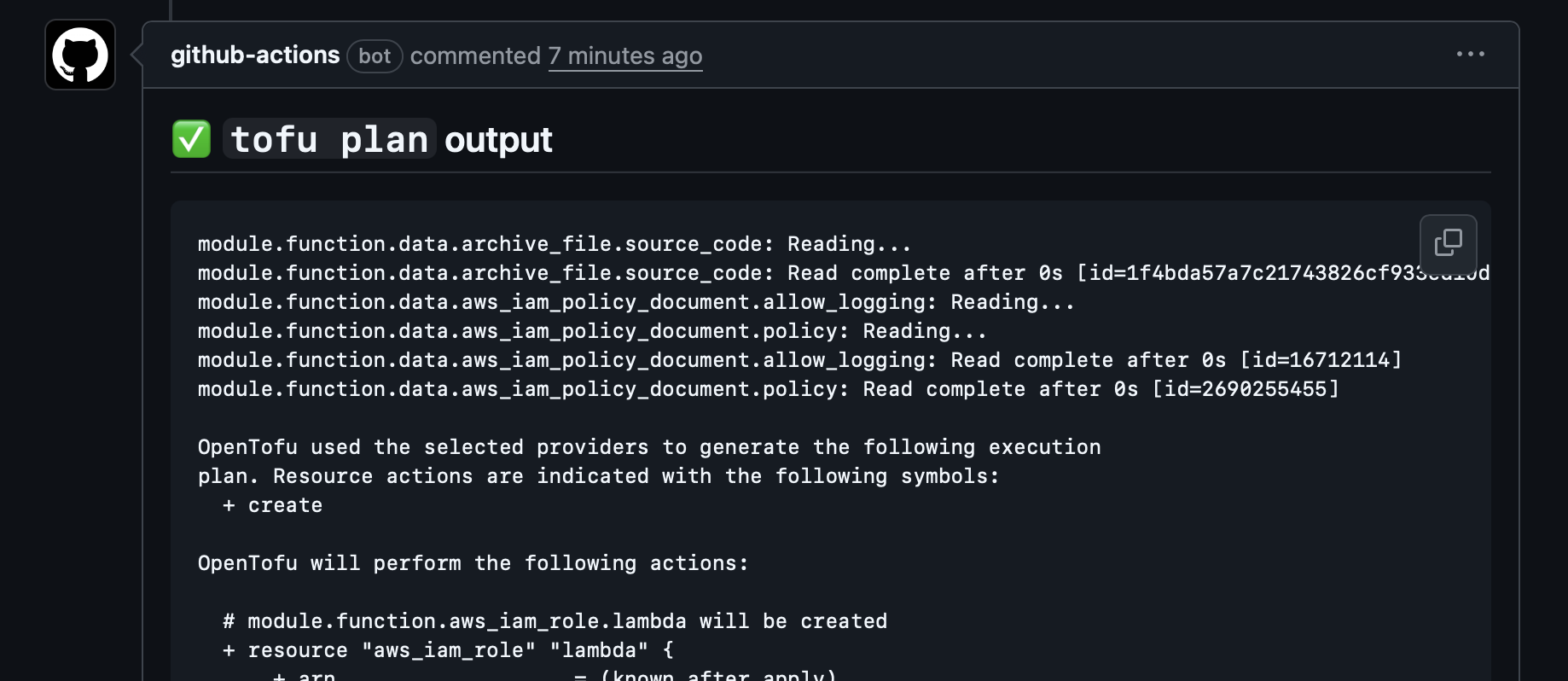
Tofu Plan output on Github:
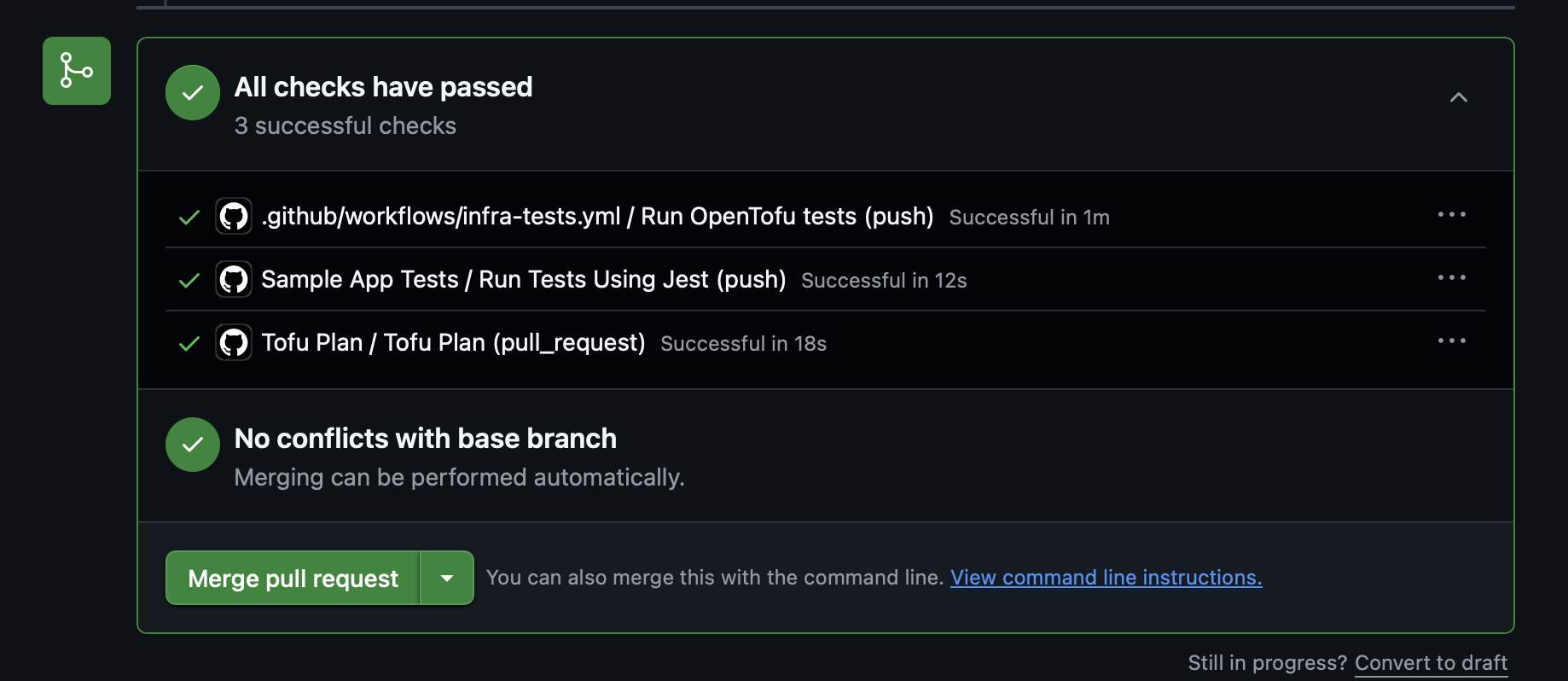
Tests and Plan done :
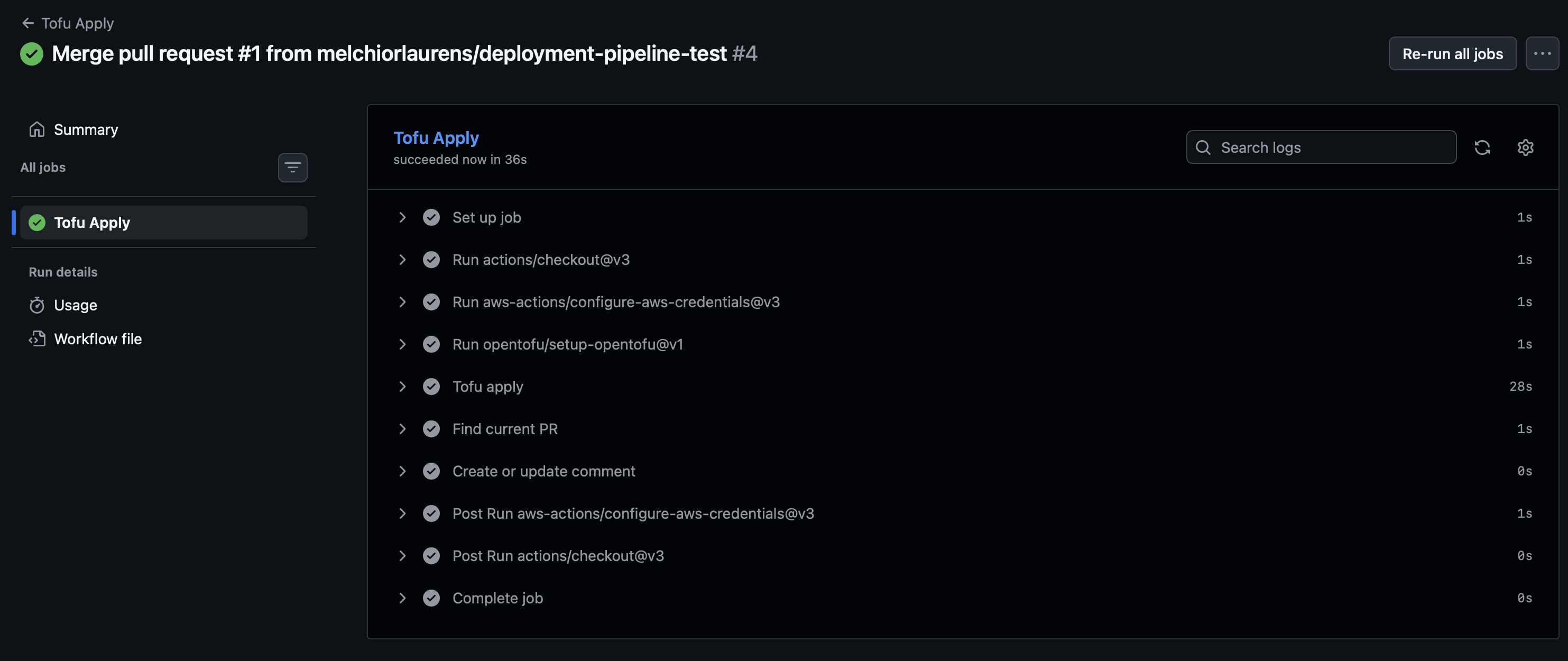
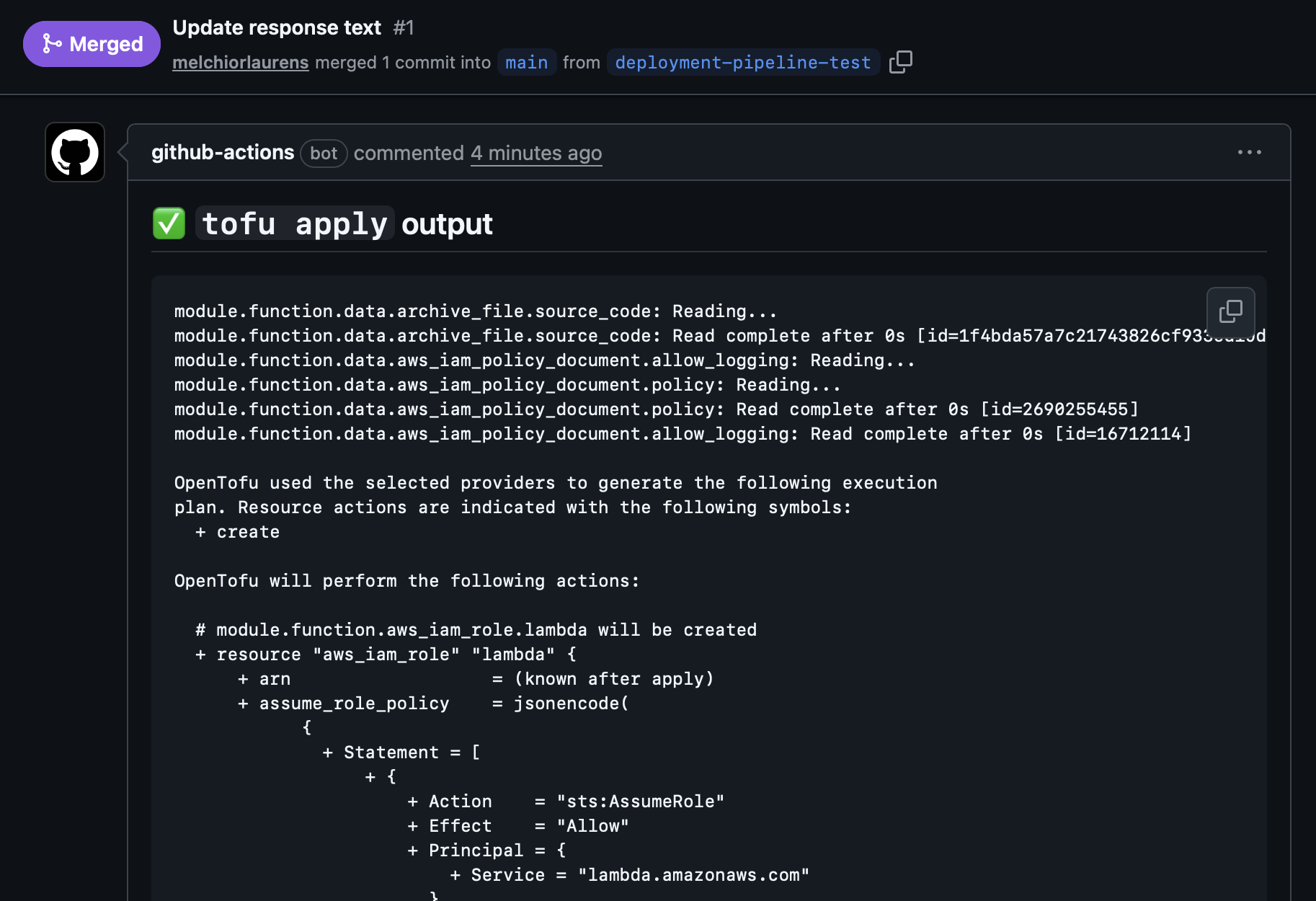
Tofu Apply comment after merge :