Lab 6 : Multi-Environments and OpenTofu Workspaces Objective
The goal of this lab is to understand how modern cloud applications are deployed across multiple environments. Instead of deploying everything in a single infrastructure, companies usually separate their systems into development, staging, and production environments.
In this lab, I learned how to:
- create multiple AWS accounts using AWS Organizations
- manage infrastructures using OpenTofu
Setting up multiple AWS accounts
The goal of this first part is to create separated AWS environments that simulate real company infrastructures.
Before creating new accounts, I first made sure that my main AWS account was clean and did not contain resources from previous labs that could create conflicts.
Then, in my devops_base project, I created the OpenTofu configuration file responsible for creating AWS child accounts.
The configuration defines three environments:
- development,
- staging,
- production. Each account uses a different email alias.
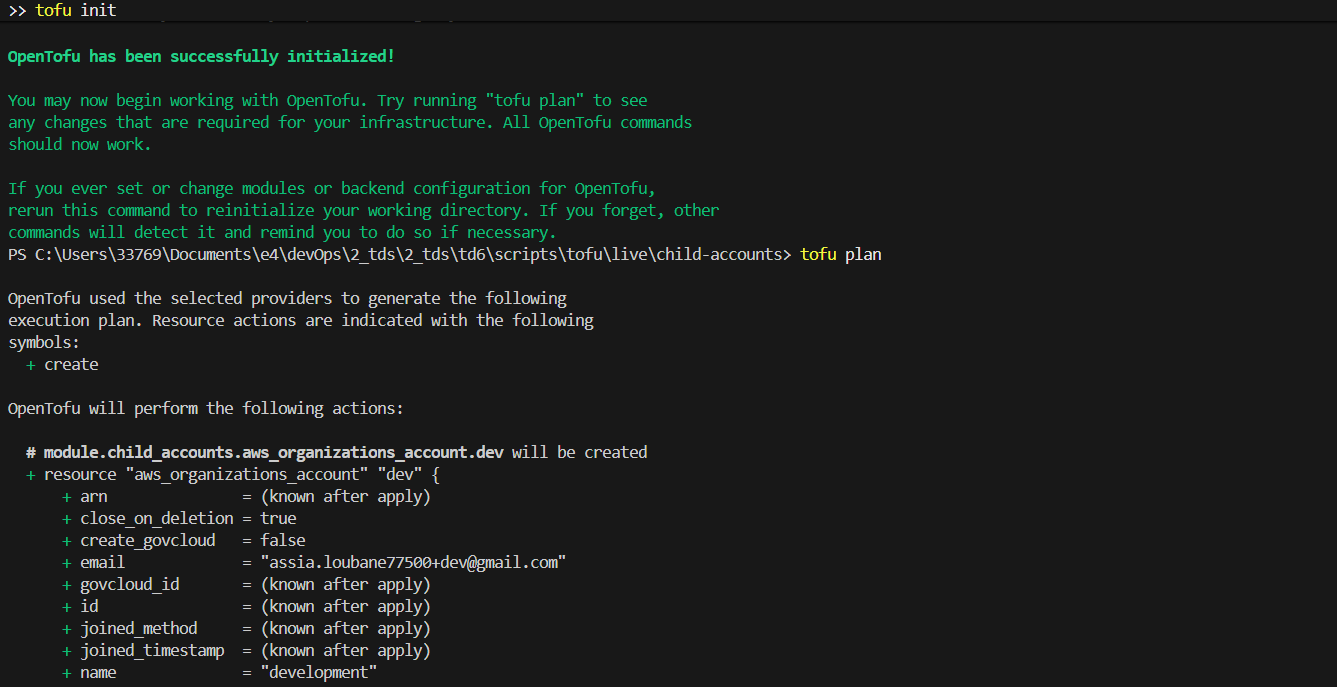
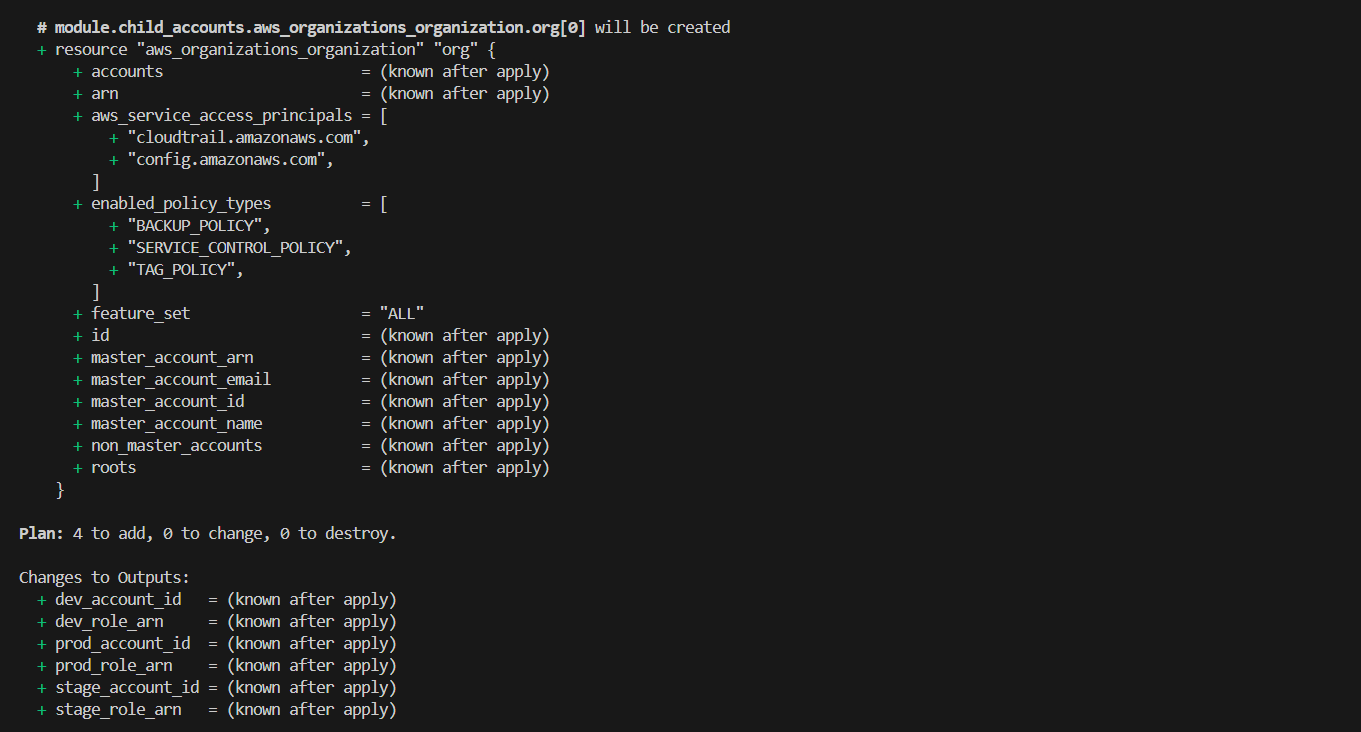
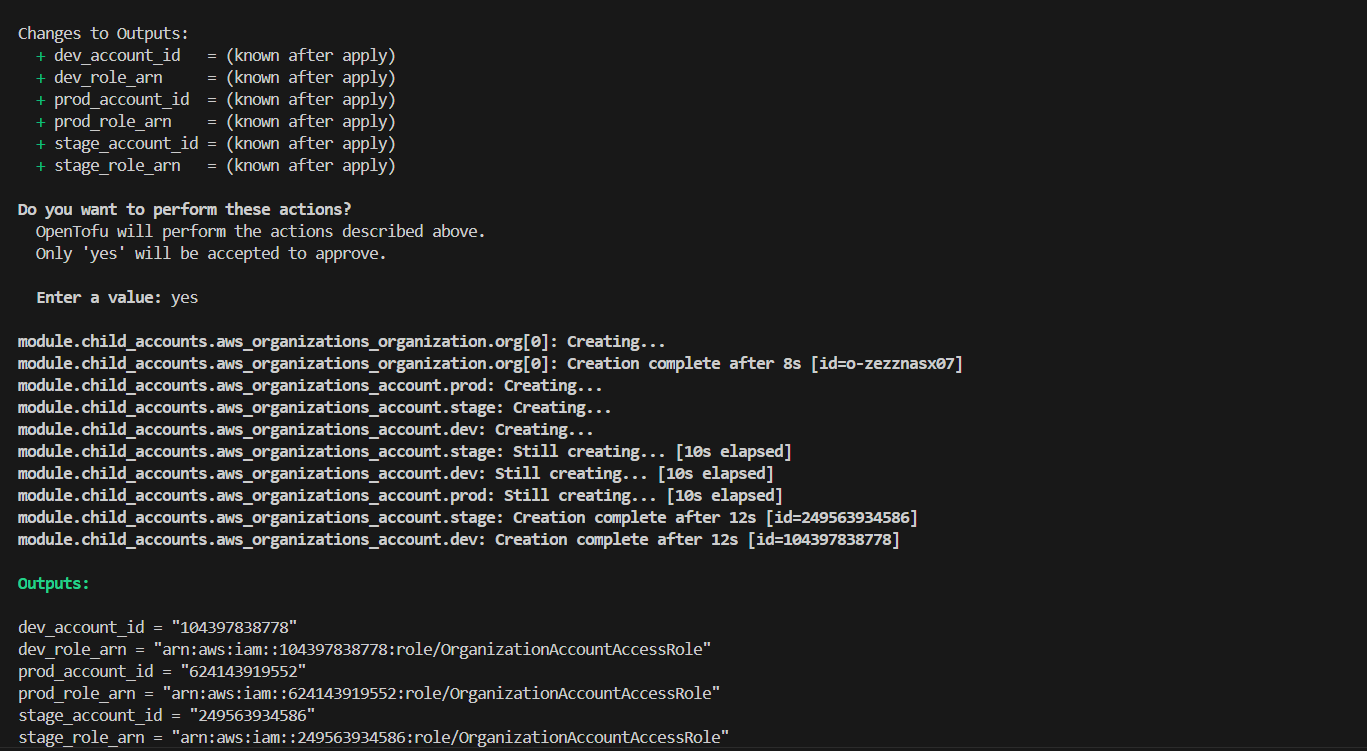
OpenTofu is creating the AWS Organization and automatically provisioning the three child accounts. We obtain the following output values: dev_account_id = “104397838778” dev_role_arn = “arn:aws:iam::104397838778:role/OrganizationAccountAccessRole” prod_account_id = “624143919552” prod_role_arn = “arn:aws:iam::624143919552:role/OrganizationAccountAccessRole” stage_account_id = “249563934586” stage_role_arn = “arn:aws:iam::249563934586:role/OrganizationAccountAccessRole”
After the deployment finished, OpenTofu displayed several outputs containing IAM Role ARNs. These roles allow the management account to access and administrate each child account securely. Each profile assumes the IAM role corresponding to one environment.
To verify the configuration, I executed:
AWS_PROFILE=dev-admin aws sts get-caller-identity The returned account ID confirms that I successfully connected to the development AWS account.
I repeated the same verification process for staging and production accounts.
Managing Deployments with OpenTofu Workspaces
The goal of this part is to deploy the same infrastructure multiple times while keeping environments independent. OpenTofu workspaces allow managing several deployments using a single configuration.
Inside the lambda-sample project directory, I initialized OpenTofu and created three workspaces:
tofu workspace new development
tofu workspace new staging
tofu workspace new production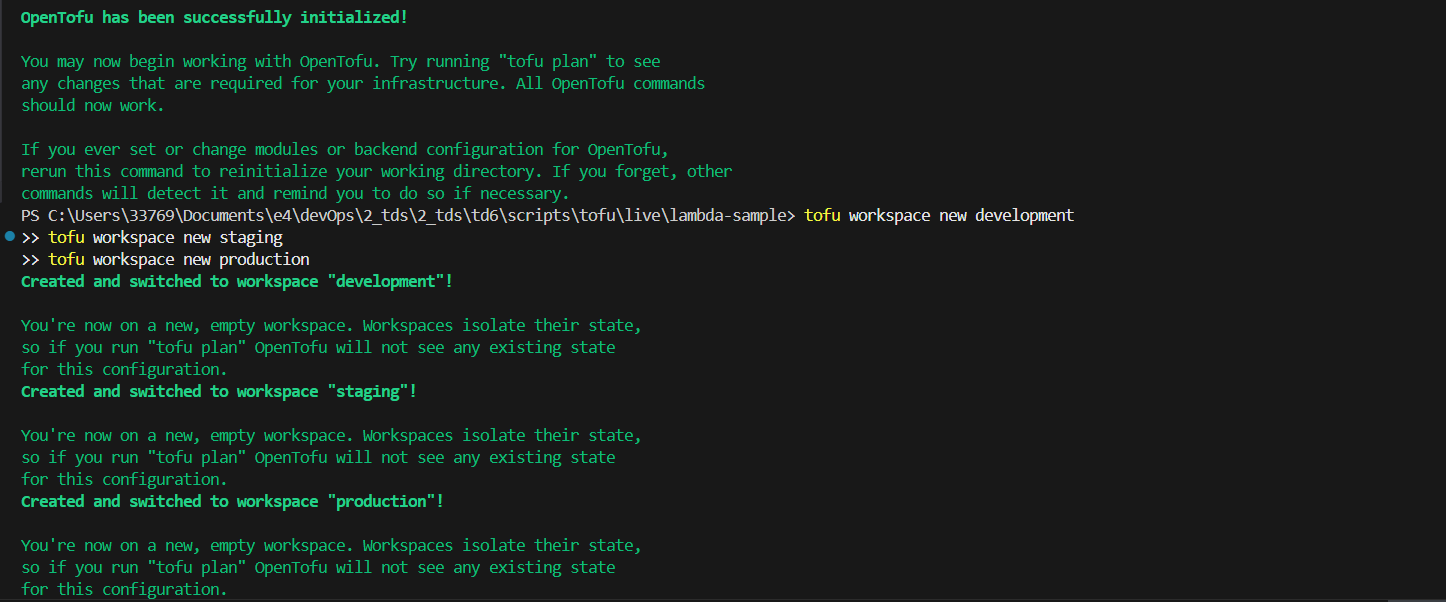 Each workspace maintains its own state file, meaning resources deployed in one environment do not affect the others.
Then, I selected the development workspace and deployed the infrastructure:
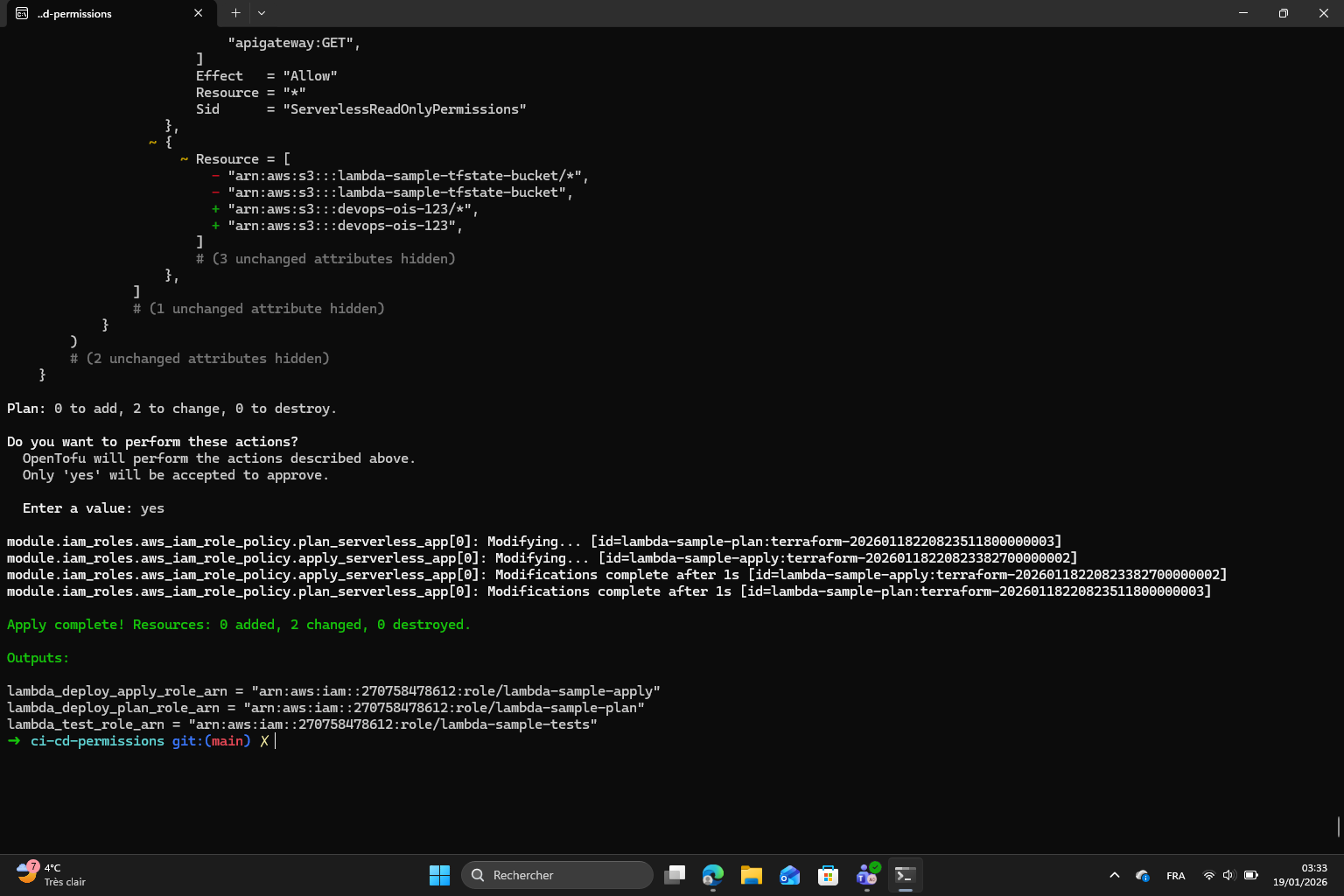 OpenTofu is creating the Lambda function and API Gateway inside the development AWS account.
Next, I modified in the script:
Hello from ${process.env.ENV_NAME}Which allows the application behavior to change automatically depending on the environment where it is deployed.
In the OpenTofu configuration, I linked the environment variable to the active workspace:
ENV_NAME = terraform.workspaceAfter deployment, OpenTofu generated an API endpoint that I tested using:
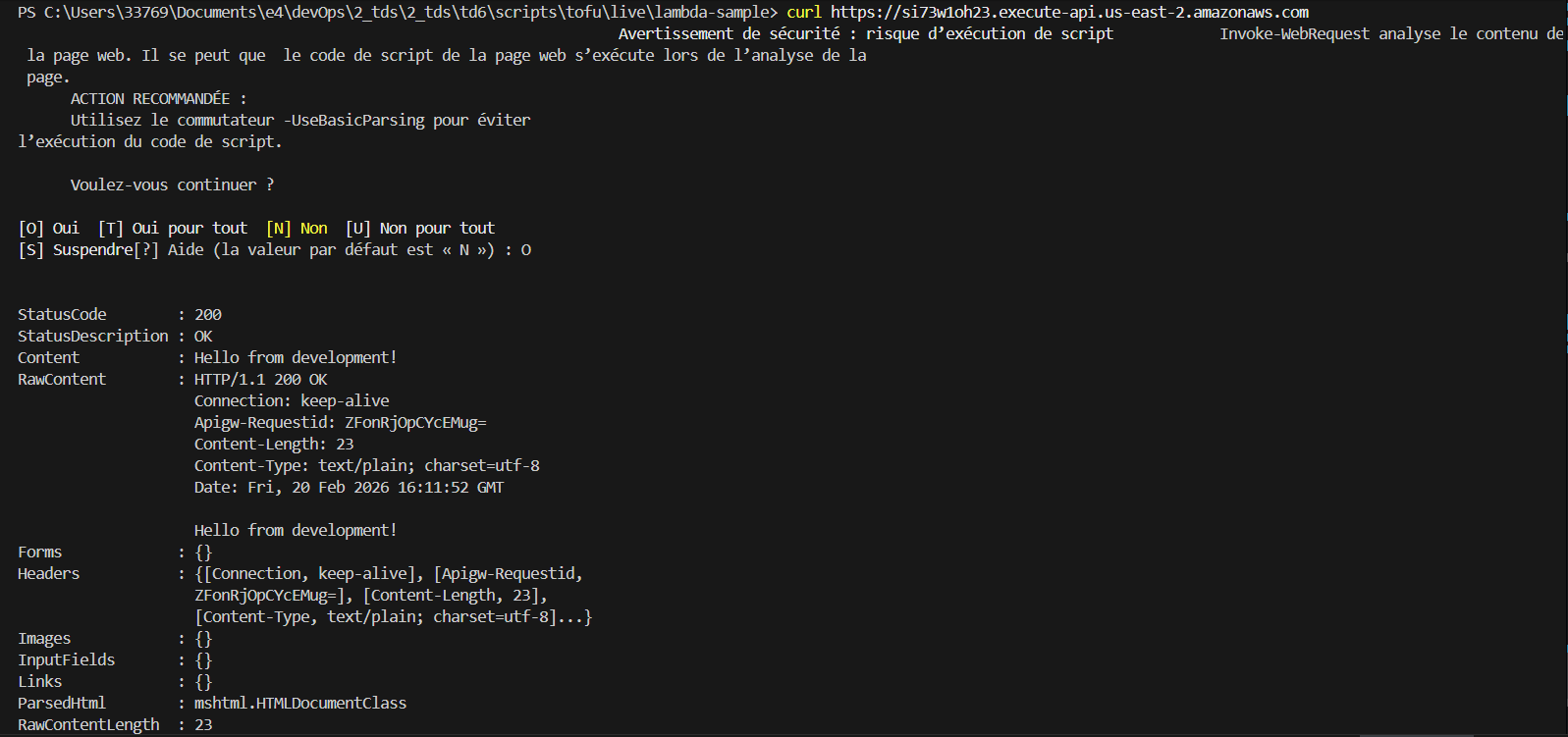
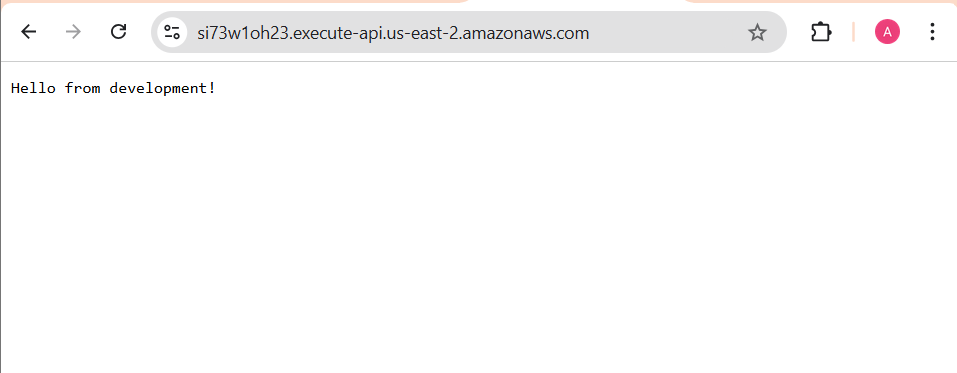
The response “Hello from development!” confirms that:
- the
lambdafunction works correctly - the deployment succeeded
- the correct environment configuration is applied I repeated the same steps for staging and production environments and obtained the expected responses.
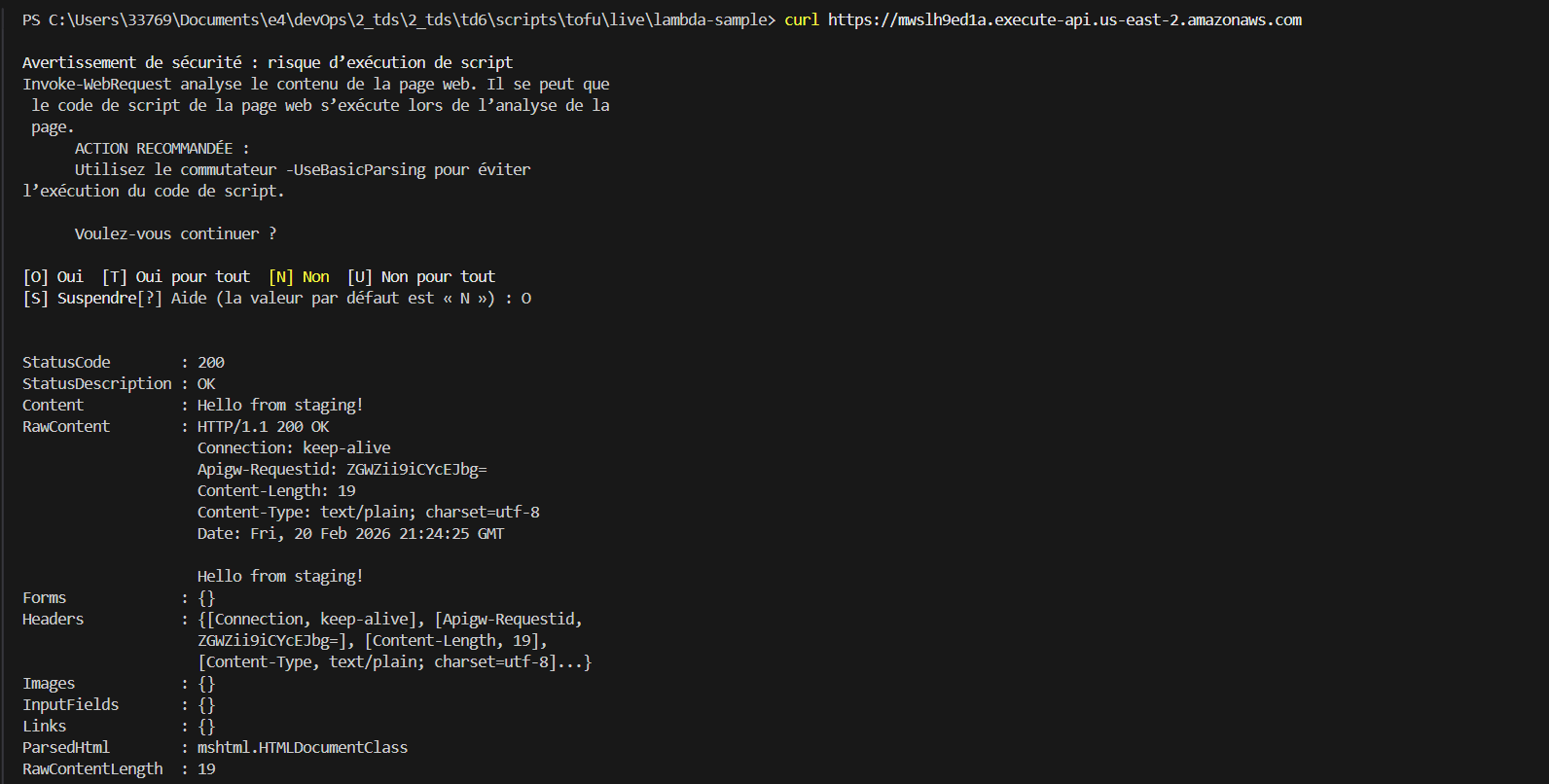
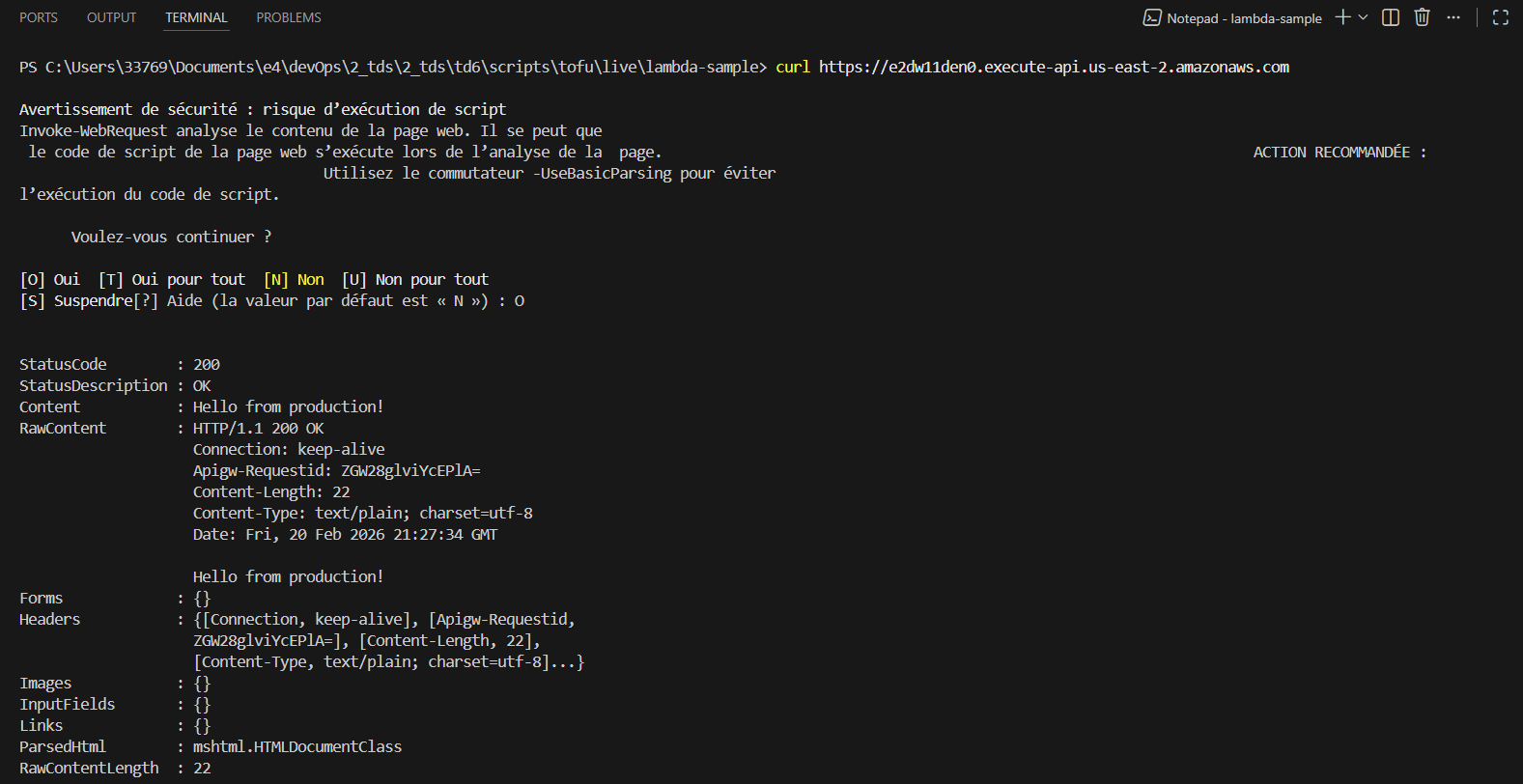
We want now to configure the application differently depending on the environment without modifying the infrastructure manually.
I created three configuration files: development.json, staging.json, production.json. Each file contains a different text value.
After modifying the application, I redeployed the infrastructure in the development workspace:
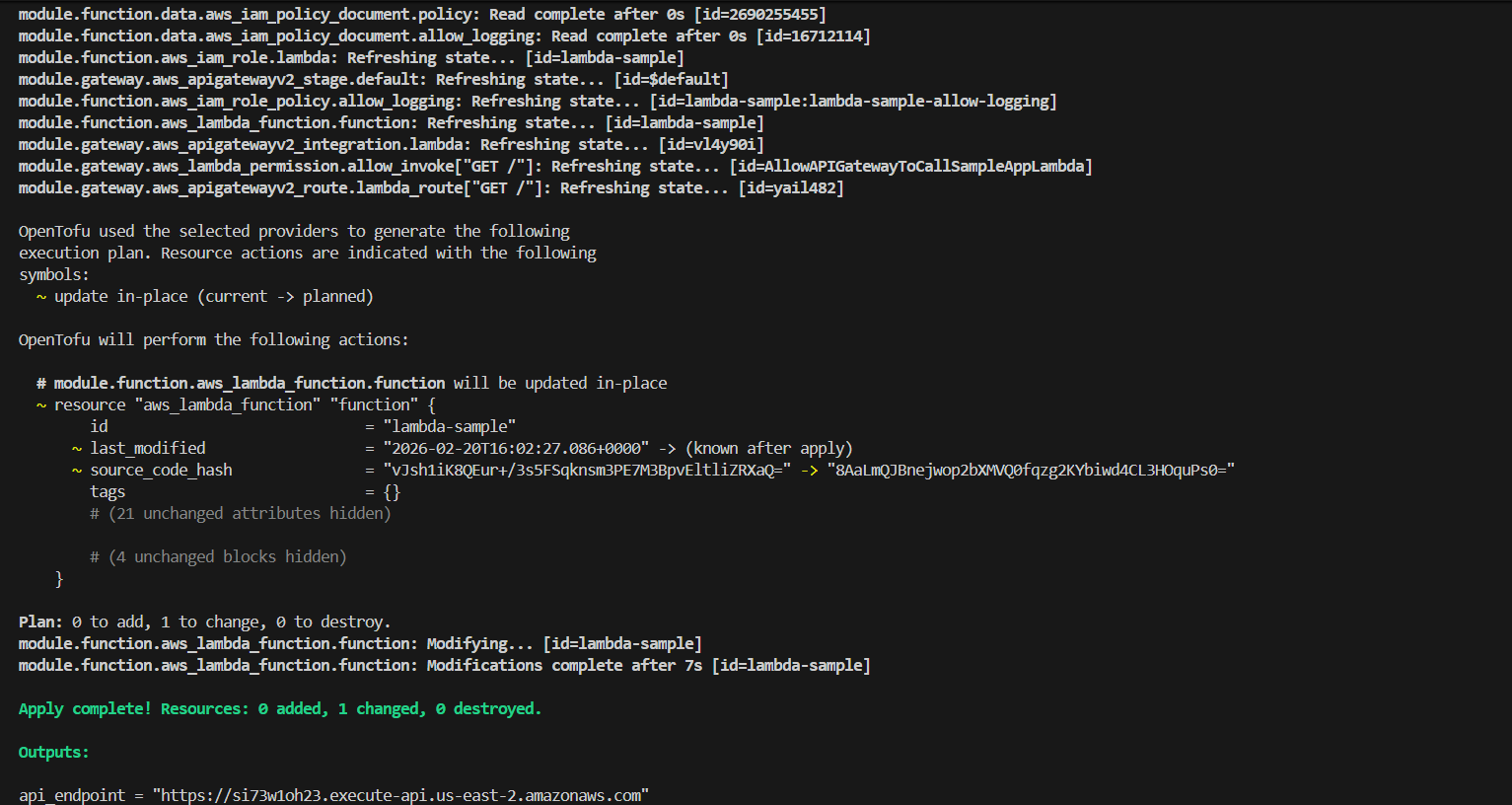 This step updates with the new configuration system.
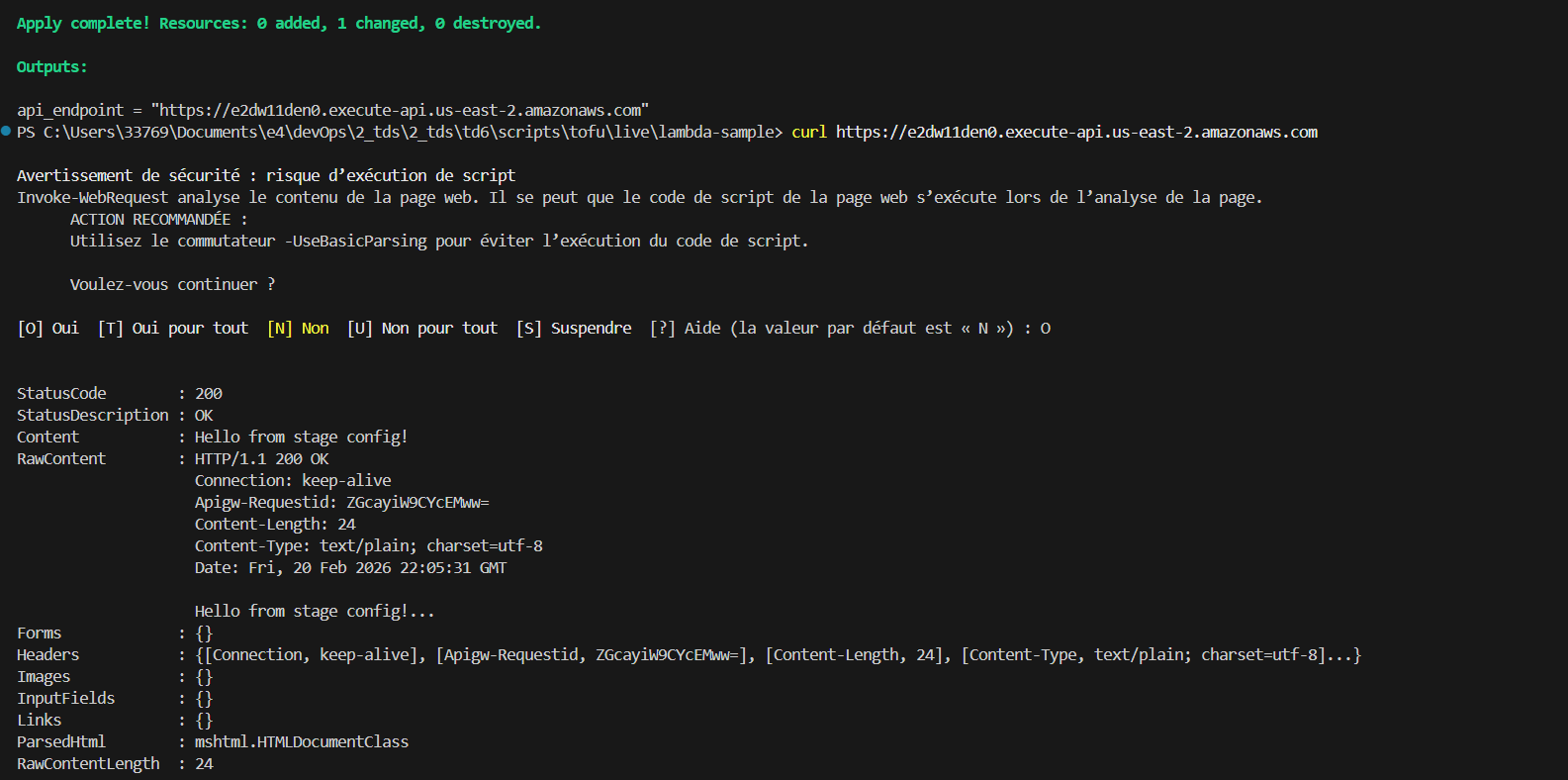
Once the deployment finished, I tested the API endpoint again:
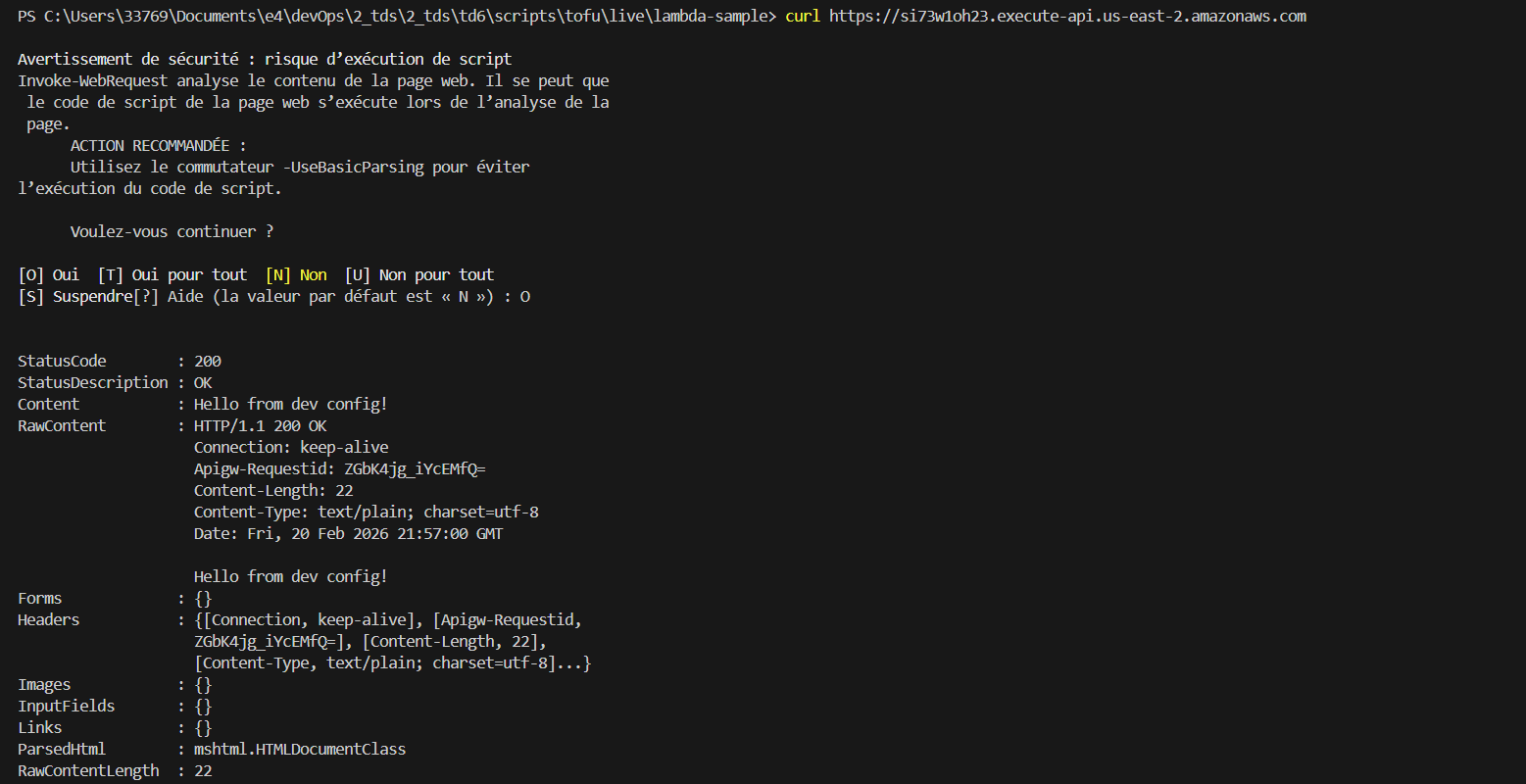 The response now displays: “Hello from dev config !”
I repeated the same process for staging and production environments and verified that each environment returned its corresponding configuration message.
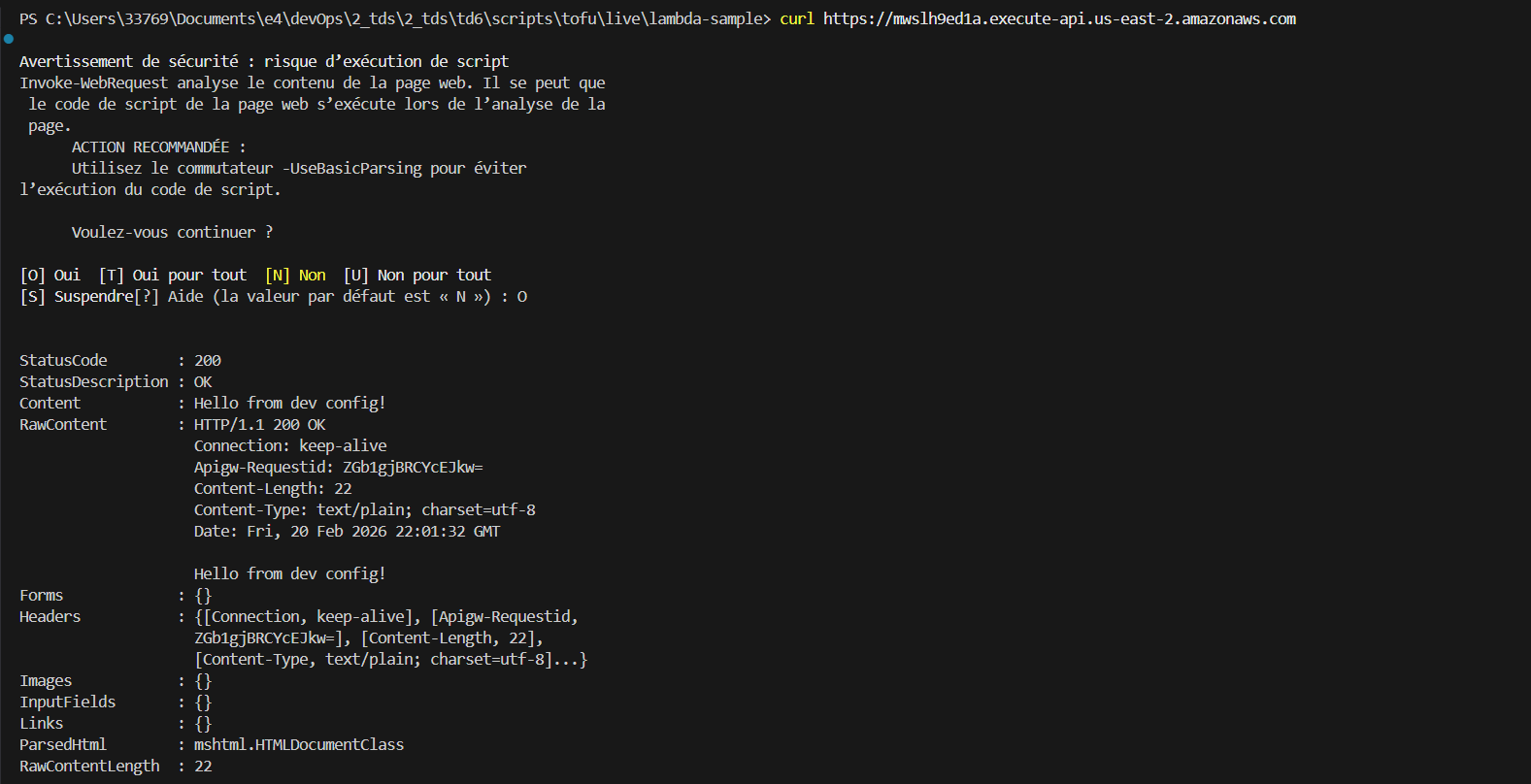
To finish, I undeployed my infrastctures from each workspaces and destroyed my accounts.
Deploying Microservices in Kubernetes
Unfortunately, my computer crashed several times while running Minikube, so I couldn’t continue.

Conclusion In this part of the lab, I learned how to create multiple AWS environments and deploy the same application across them using OpenTofu workspaces. I understood how infrastructure can be reused while keeping deployments isolated. Using workspaces together with environment variables makes it possible to adapt application behavior automatically depending on the deployment environment. This approach reflects real DevOps practices used in professional cloud infrastructures.